
Nothing OS 5.0 (Android 17) Unveiled: Full Rollout Schedule and Features
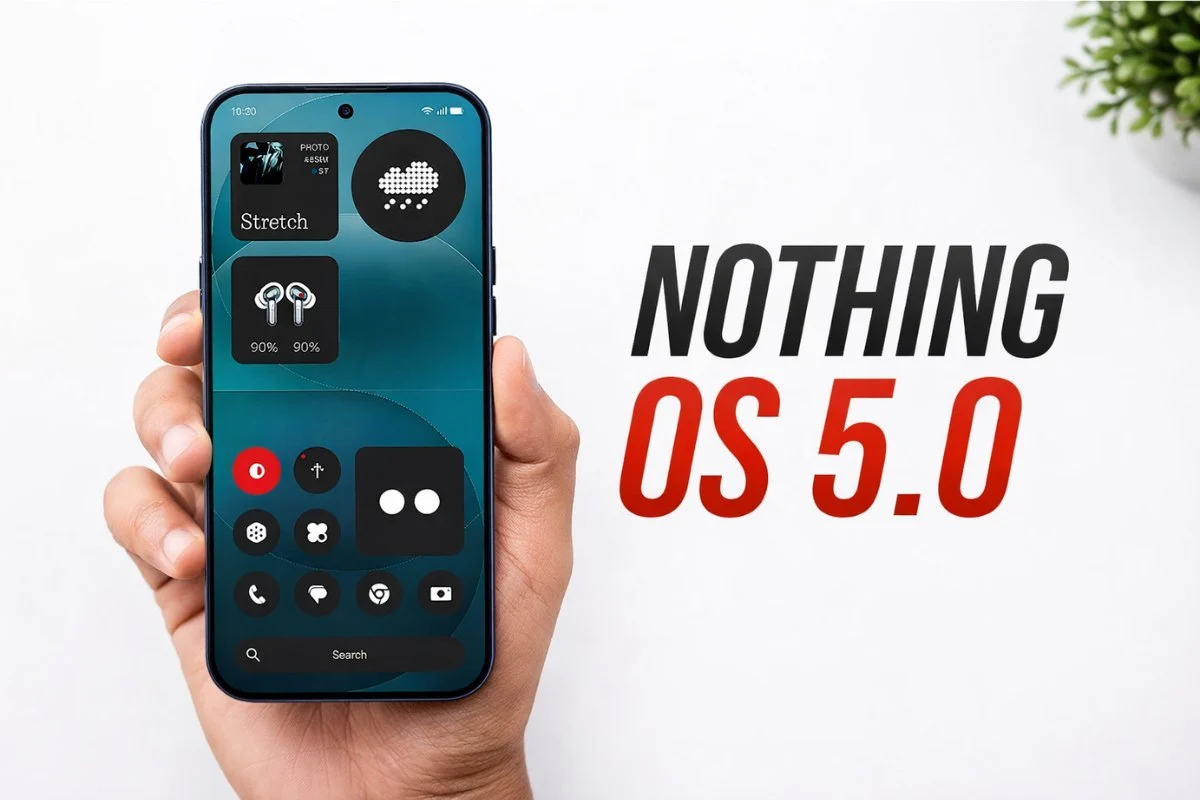
Nothing has officially pulled the curtain back on Nothing OS 5.0, its highly anticipated software upgrade built on the newly minted Android 17 framework. Promising a significant visual redesign, under-the-hood performance optimizations, and deeper artificial intelligence integration, the update marks a major leap forward for the brand’s smartphone ecosystem.
For eager early adopters, the wait is already over: the Open Beta program officially kicks off today, August 26, starting with the flagship Phone (3).
Nothing OS 5.0: Eligibility and Exclusions
While the Nothing OS 5.0 update will reach a wide array of the company’s modern lineup, a few older models are officially reaching the end of the line. The brand confirmed that the original Nothing Phone (1), the Nothing Phone (2), and the first-generation CMF Phone 1 will not receive the Android 17 upgrade.
Additionally, while the Phone (3a) Lite and the CMF Phone 2 Pro are slated to receive the stable general release eventually, they are entirely excluded from the Open Beta testing phase.
Nothing OS 5.0 Official Rollout Schedule
Nothing plans to deploy the update in a phased approach, meaning availability may vary slightly by region. The Open Beta program expands rapidly through the fall, while stable general releases are projected to begin in mid-October and stretch into early 2027.
Here is the complete roadmap for the Nothing OS 5.0 rollout:
|
Model |
Open Beta |
General Release |
|
Phone (3) |
August 26 |
Mid October |
|
Phone (4a) Pro |
Early September |
Early November |
|
Phone (4a) |
Late September |
Early November |
|
Phone (3a) Pro |
Late September |
Early November |
|
Phone (3a) |
Late September |
Early November |
|
Phone (2a) |
Mid October |
Mid November |
|
Phone (2a) Plus |
Mid October |
Mid November |
|
Phone (3a) Lite |
– |
Late December |
|
Phone (4b) |
Mid December |
Mid January |
|
CMF Phone 2 Pro |
– |
Mid January |
How to Join the Nothing OS 5.0 Open Beta
If your device is eligible and its respective beta window has opened, you can enroll in the testing program by following these steps:
-
Verify your software: Ensure your phone is updated to the latest available stable build.
-
Download the portal: Download and install the latest Nothing Beta Hub V2.0 APK.
-
Navigate to Settings: Go to Settings > System > Nothing Beta Hub.
-
Check and Join: Tap Check Version, then click Join Beta to register your device.
-
Download the Update: Tap Go to Update to begin downloading the beta firmware. (Note: If the button does not appear, manually navigate to Settings > System > System updates).
As with all beta software, users should anticipate occasional bugs and system instability, and are highly encouraged to back up their data before initiating the installation.


