
Nothing OS 5.0 is rolling out. Chech the list of supported devices
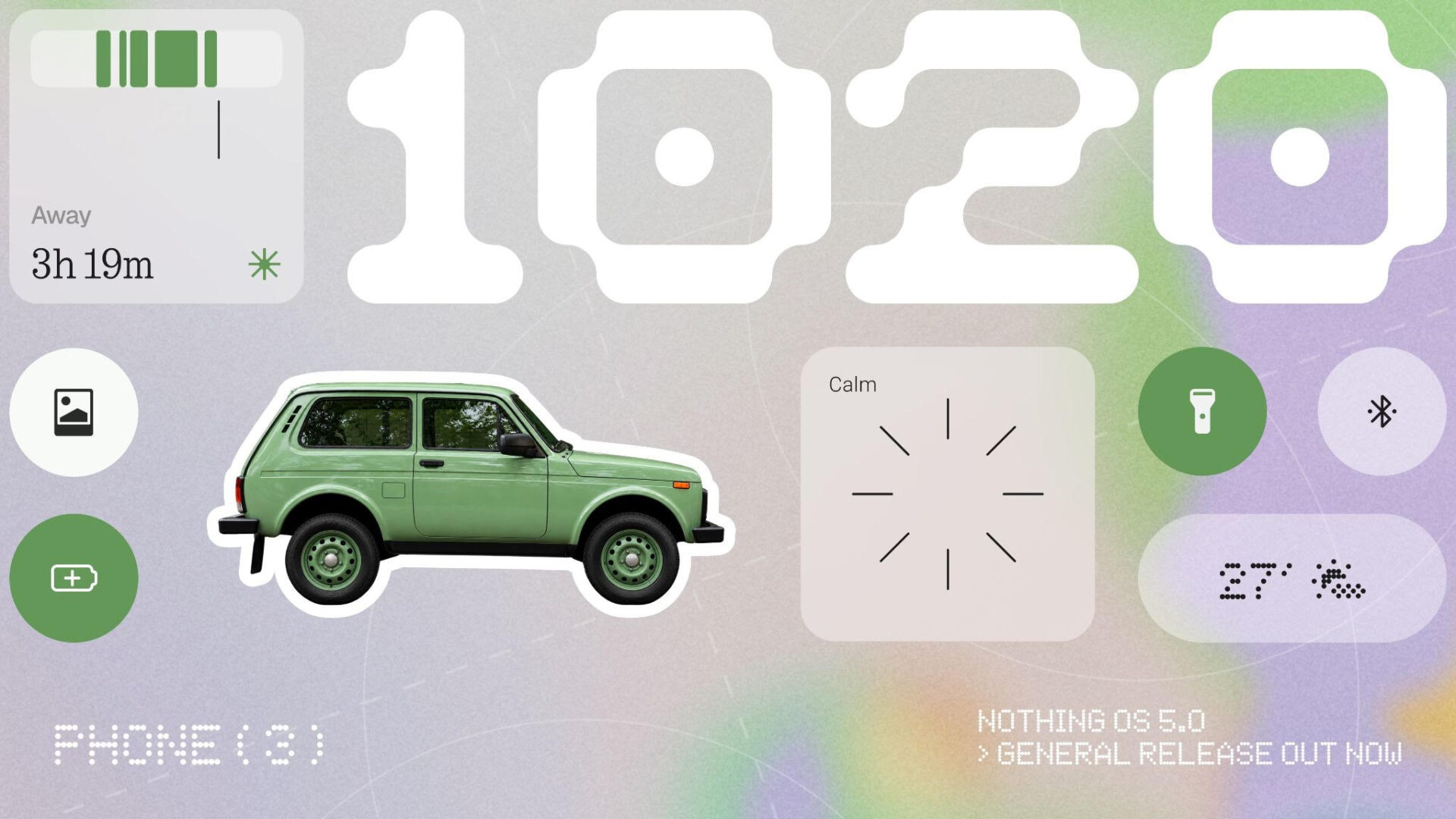
Nothing has begun releasing Nothing OS 5.0 to compatible smartphones, starting with Phone (3). Based on Android 17, the update brings a redesigned Home Screen, more personalisation options and refinements intended to make everyday use feel smoother. Other Nothing and CMF devices are expected to follow in stages over the coming months.
Nothing OS 5.0 Features
|
Feature |
What the update brings |
|
Android version |
Android 17 |
|
First device |
Nothing Phone (3) |
|
Interface changes |
More than 80 changes across design, performance and AI features |
|
Home Screen |
Transparent elements in widgets and the search bar; colours that adapt to the wallpaper |
|
Lock Screen |
New Micrographics clock face showing the time, date, weather and upcoming meetings |
|
Essential Space |
Improved organisation through Smart Collections |
|
Essential Voice |
Faster, cleaner transcription |
|
Essential Apps Builder |
Create AI-powered apps by describing them, without writing code; access is being introduced gradually |
|
System design |
Updated icons, spacing, typography and animations |
|
Performance focus |
Improved touch response, background app retention and resource management |
|
Android 17 additions |
Separate Notifications and Quick Settings panels, cross-platform Quick Share, enhanced privacy controls and a redesigned Recents screen |
|
Rollout |
Phone (3) first; Phone (4a) and Phone (3a) series scheduled for November; other compatible models later |
A more adaptable interface
The most visible changes begin on the Home Screen. Transparent elements give widgets and the search bar a lighter appearance, while an adaptive colour system draws from the chosen wallpaper. Nothing has also adjusted icons, spacing, typography and animations throughout areas including the status bar, Settings, Camera and Gallery.
On the Lock Screen, the new Micrographics clock face brings together information users might otherwise need to check in several places: the time, date, weather and upcoming meetings. The result is an update that changes more than individual icons, even if its value will depend on how useful those details are to each user.
AI tools and everyday performance
Nothing is expanding its Essential tools alongside the visual refresh. Essential Voice is designed to produce faster, cleaner transcripts, while Smart Collections helps organise items saved in Essential Space. Essential Apps Builder goes further, allowing users to describe an app they want and create it without coding. That feature is being made available gradually, so it may not appear for everyone as soon as Nothing OS 5.0 reaches their phone.
Behind the interface, Nothing says it has worked on touch response, keeping background apps available and managing system resources. Those changes are intended to make switching between apps and multitasking feel smoother. The supplied details do not quantify the improvement, so the effect in daily use remains to be seen.
Android 17 also contributes separate Notifications and Quick Settings panels, cross-platform Quick Share, stronger privacy controls and a redesigned Recents view. Some Essential Space improvements will arrive separately through Google Play rather than as part of the main system update.
When will other phones get Nothing OS 5.0?
Phone (3) is first to receive the general release. Nothing plans to bring OS 5.0 to the Phone (4a) and Phone (3a) series in November, with other compatible Nothing and CMF models following later. The rollout is phased, and timing may differ by region or carrier. For owners of the remaining devices, “compatible” does not yet mean an update is immediately available.


