
iOS 28: Apple May Finally Fix iPhone’s Notification Chaos
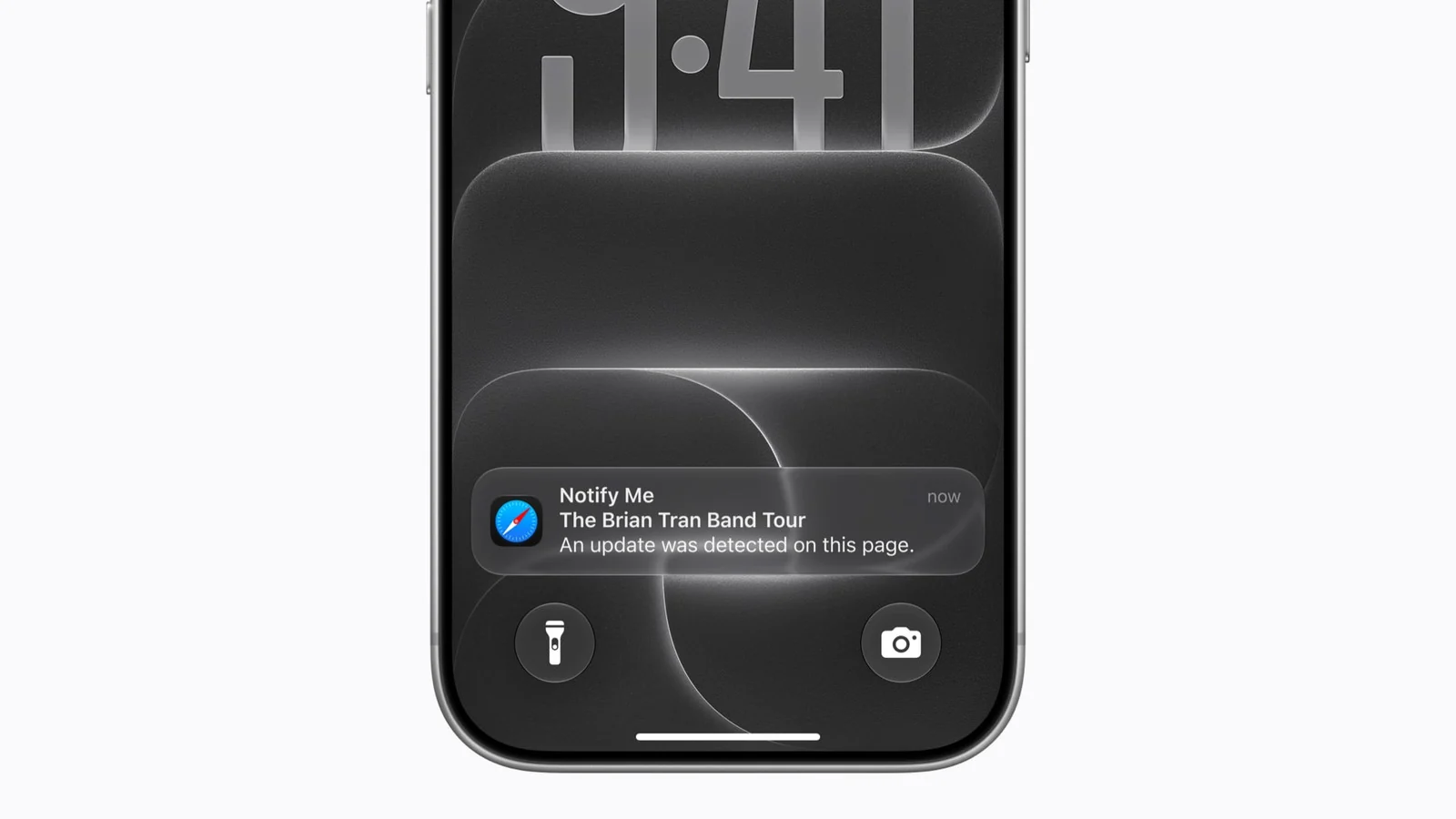
Apple may be preparing a significant redesign of iPhone notifications with iOS 28, according to a new report. Multiple sources cited in the report say Apple intends to overhaul Notification Center, although the exact changes remain unknown.
The claim arrives as iPhone users continue to deal with promotional alerts, ads and Live Activities mixed in with messages, reminders and other important notifications. Apple has not confirmed the report, and no details about filters, layouts or controls have been disclosed.
What the Report Says—and What It Does Not
A report published on November 25 says several sources have heard that Apple plans to overhaul iPhone notifications in iOS 28. The sources point to significant changes in Notification Center, but they do not describe what those changes would involve.
The report does not mention new notification categories, a redesigned layout, stronger controls or specific features for reducing advertising. It also emphasizes that the information is rumor-based rather than confirmed by Apple.
That leaves considerable room for interpretation. A notification overhaul could mean anything from visual changes to new filtering tools, smarter organization or revised controls for Live Activities and promotional alerts.
The Timing Follows Complaints About Notification Ads
The report appeared hours after a related story highlighted Apple’s inconsistent enforcement of App Store rules on notification advertising.
Those rules require apps to obtain explicit in-app consent before sending promotional notifications and Live Activities. They also require a way for users to turn promotional alerts off.
The timing is relevant because notification clutter is a familiar iPhone problem. Promotional pushes can appear alongside messages, calendar reminders and other time-sensitive alerts, making it harder to identify what genuinely needs attention.
The report does not claim Apple is responding directly to those complaints. It simply notes the connection between the timing of the rumor and the ongoing discussion about notification advertising.
Android Already Offers a Possible Model
The report draws a comparison with Android, which can sort notifications into categories including News, Promotions, Social and Suggested.
On Pixel phones, Android’s Notification Organizer handles that sorting automatically, helping keep marketing messages out of the main notification list. The comparison is presented as an educated possibility, not as a feature Apple’s sources described.
If Apple introduced a comparable system, it could give users a clearer way to separate important notifications from promotional content. But there is no evidence that iOS 28 will include categories, automatic sorting or any similar feature.
What Apple Has Confirmed So Far
Apple has not commented on the iOS 28 notification report. The company’s recent software releases have focused on other areas.
iOS 27 arrived in September after its debut at WWDC 2026. It introduced a redesigned interface and a next-generation Siri that combines Apple’s Foundation Models with Google’s Gemini models, alongside changes across iPadOS, macOS, watchOS, tvOS and visionOS.
iOS 27.2 followed in October with additional Siri AI languages, Messages suggestions, Apple Pencil support for the iPhone Duo and more than 160 security fixes. iOS 27.2.1 arrived this month as a bug-fix and security release, while iOS 27.3 is already in beta.
iOS 28 Is Still Months Away
Apple is expected to unveil iOS 28 at WWDC in 2027 and release it around September, following its usual annual software cycle.
If the notification overhaul is real, the first public details would most likely arrive next summer, when Apple previews the update at its developer conference. Until then, the scope of the changes remains unknown.
The report provides a reason to watch Apple’s notification plans closely, but it does not establish that a new Notification Center, notification categories or anti-advertising tools are coming.


