What Are the Best AI Image Generators for Beginners in 2027? 5 Tools Compared
A good beginner tool should turn plain instructions into usable images and make corrections easy. You should be able to create a product photo, portrait, poster, or social graphic without learning technical settings first. We compared five AI image generators based on prompt handling, model choice, editing tools, speed, and the amount of control they give new users.
1. Pollo AI: Best Overall for Beginners
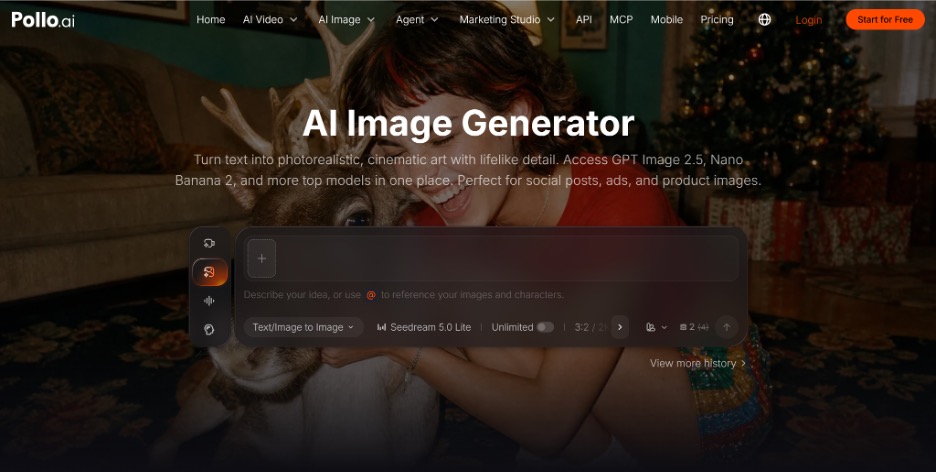
Pollo AI is the strongest overall option because it gives beginners access to several image models in one place. You can create images from text, upload a reference, or transform an existing picture without moving between separate platforms.
Access to several models becomes useful as soon as you try different projects. The model that produces a strong portrait may handle visible text poorly. Another may create accurate product materials while giving illustrations a generic look. Pollo AI lets you compare results and select a model suited to the current image.
The platform also covers common editing tasks. You can remove unwanted objects, change a background, expand the canvas, improve image quality, or create another version from a reference. These tools help you repair a good image instead of restarting whenever one detail looks wrong.
Pollo AI works well for portraits, product images, illustrations, advertisements, and social graphics. This wider range makes it more useful for beginners than focused tools such as Lensa AI, which is more dedicated to selfies, avatars, and portrait editing.
Start with Pollo AI if you plan to create several types of images or want to learn how different models interpret the same prompt.
2. Canva: Best for Social Posts and Finished Layouts
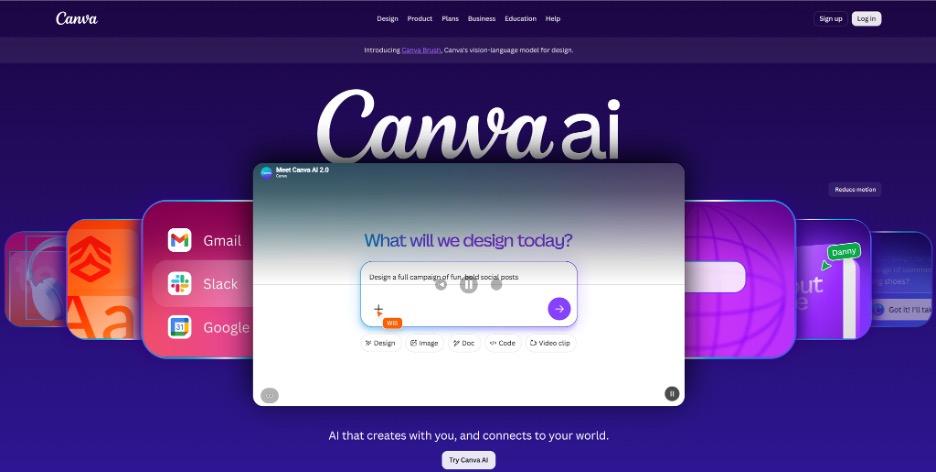
Canva is practical when the generated image is only one part of the final design. After creating a visual, you can place it directly into an Instagram post, presentation, flyer, thumbnail, invitation, or advertisement.
The template library gives beginners an immediate structure. You can choose the required format, replace the example image, add your own copy, and adjust the colors. This removes the need to decide every layout detail from a blank page.
Canva also makes resizing straightforward. A design created for Instagram can be adapted for another channel, although each version still needs a manual check. Automatic resizing may crop the subject or leave too little space around the text.
Its image-generation controls are simpler than those in dedicated platforms. That tradeoff is reasonable when your priority is completing a design quickly rather than exploring several models or advanced image settings.
Use Canva when you need a finished marketing asset and want image generation, text, templates, and layout tools in the same workspace.
3. ChatGPT Images: Best for Plain-Language Revisions
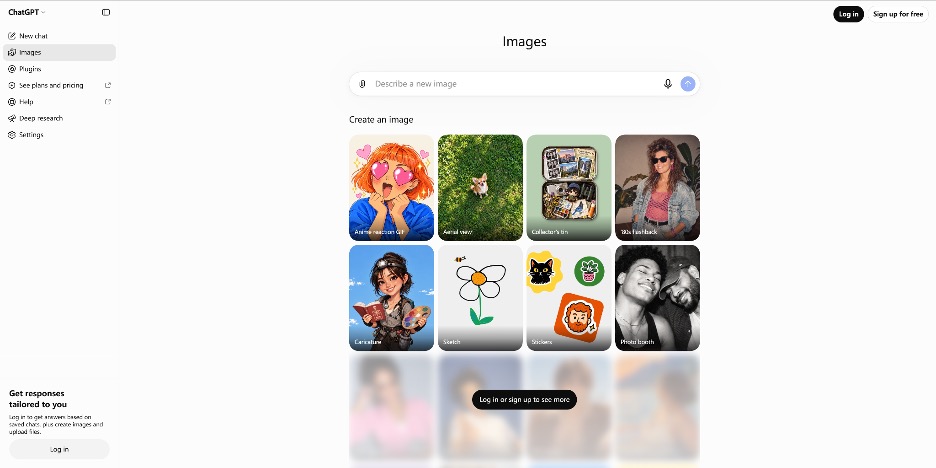
ChatGPT Images suits beginners who prefer to explain changes as they would to another person. You can create an image and continue with instructions such as “move the product to the right,” “make the room brighter,” or “remove the cup from the table.”
This conversational process is especially useful when the first result is close to your idea. You can revise one detail while preserving the subject, setting, and composition. Uploading an existing image also allows you to request background changes, style adjustments, or new variations.
Detailed prompts usually produce better first results. Describe the subject, action, setting, lighting, camera view, and intended format. “Create a skincare ad” leaves many decisions open. “Create a vertical skincare ad showing a glass bottle on a pale stone counter under soft morning light” gives the model a clearer task.
Review small text, hands, labels, and repeated background details before using the image publicly. Conversational editing makes corrections easier, although it does not remove the need for a final quality check.
Use ChatGPT Images when you want to create and revise visuals through normal written instructions.
- Lensa AI: Best for Selfies and Portraits
Lensa AI provides a more focused experience for people who mainly work with photos of themselves. Its tools can improve facial lighting, adjust skin, blur or replace backgrounds, remove distractions, and create stylized avatars from uploaded selfies.
The workflow requires little prompt writing. You begin with a photo and select the type of adjustment you want. This makes Lensa AI easy to understand if your goal is a profile picture, social portrait, or avatar rather than an entirely new scene.
Its narrow focus also sets a clear limit. Lensa AI is less suitable for product photography, detailed advertising layouts, environments, or illustrations involving several subjects. Beginners who later move into wider creative work may need another platform.
Use Lensa AI when you want fast portrait improvements and have little interest in learning detailed image prompts.
5. Adobe Firefly: Best for Learning Professional Editing
Adobe Firefly is a suitable choice for beginners who expect to work with Photoshop, Illustrator, or Adobe Express. It connects image generation with tools used for detailed editing and commercial design work.
You can generate a base image, replace a selected area, extend the scene beyond its original frame, or create a different background. The result can then move into an Adobe application for typography, color correction, layout, and final export.
This workflow is useful for images that need more than prompt-based generation. A product advertisement may require an exact logo, verified packaging copy, and carefully placed text. Firefly can help build the visual base, while Photoshop or Express handles the details that need direct control.
Adobe’s interface may take longer to learn than Lensa AI or Canva. That time is easier to justify when you want skills that can support future design, photography, or marketing work.
Use Adobe Firefly when you want AI generation to become part of a broader professional editing process.
Which Tool Is Right for You?
Pollo AI is the best overall starting point because it supports multiple models, reference images, editing tools, and several visual styles. Lensa AI is easier for selfies and avatars. Canva helps beginners turn generated images into finished social designs. ChatGPT Images provides the simplest conversational revision process, while Adobe Firefly offers a path into more advanced editing.
Before choosing a paid plan, test each suitable tool with the same real task. Use one prompt, aspect ratio, and reference image. Compare how many outputs you could actually publish after a reasonable amount of correction. This reveals more than polished examples selected by the platform itself.

