
Samsung Adds Native App Lock in One UI 9.5, Offering a Simpler Alternative to Secure Folder
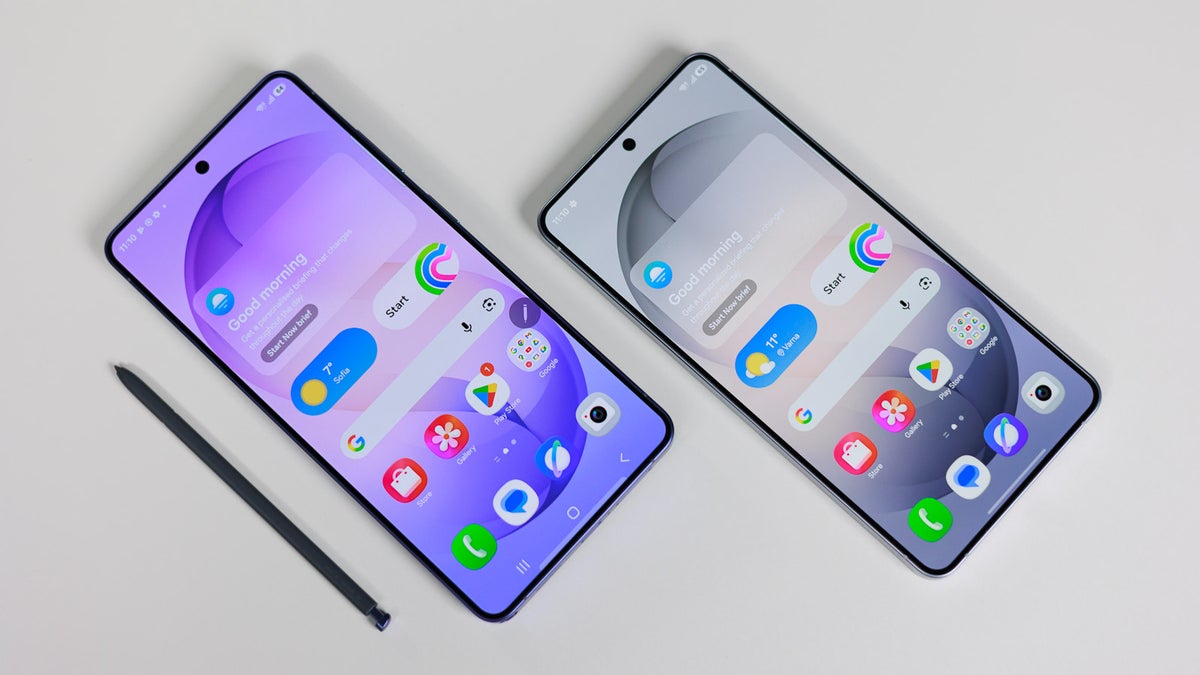
Samsung has introduced a built-in app lock feature in One UI 9.5, giving Galaxy users a more straightforward way to protect individual apps without moving them into Secure Folder.
The feature requires authentication before a protected app can be opened, adding another layer of privacy even when the phone itself is unlocked. Galaxy S26 users are getting access first through the One UI 9.5 beta program, which Samsung launched on November 17.
Protecting Apps Without Creating Separate Copies
Until now, Galaxy users who wanted to restrict access to certain apps could use Samsung’s Secure Folder. However, that feature does more than place an authentication screen in front of an app.
Secure Folder creates a separate environment that isolates its apps and data from the phone’s main profile. Users effectively manage another copy of an app, with separate logins and additional steps when accessing it or sharing files and photos with the rest of the device.
That separation serves a different purpose from simply preventing someone from opening an app. For users who only want to protect everyday applications, it can introduce unnecessary complexity.
One UI 9.5’s native app lock takes the more direct approach: it protects apps where they already reside, without requiring users to maintain duplicate installations inside a separate vault.
Authentication Is Required to Open Protected Apps
Once an app is locked, opening it requires biometric authentication or the phone’s PIN, pattern or password.
The practical benefit is straightforward. Handing an unlocked phone to another person no longer has to mean giving them unrestricted access to every app on it. Selected applications remain protected behind their own authentication requirement.
The feature also addresses information that could otherwise appear outside the app. Notifications from locked apps are hidden, and locking an app removes its widgets from the home screen.
These changes extend protection beyond the app’s opening screen, covering additional places where its information might be visible.
Galaxy S26 Ultra Adds Privacy Display Integration
On the Galaxy S26 Ultra, app lock also works with Privacy Display.
Users can configure Privacy Display to activate automatically whenever they open a locked app. This connects the app’s access protection with the phone’s display privacy feature, rather than requiring users to enable the two separately each time.
The integration is an additional option for S26 Ultra owners; it is distinct from the core app lock functionality.
Galaxy S26 Users Get Access First
Samsung is introducing app lock through the One UI 9.5 beta for the Galaxy S26 series.
The feature is expected to reach other Galaxy devices that receive One UI 9.5, although the final availability across models has not yet been established. Samsung plans to expand the beta program to more devices before releasing the stable software in 2027.
For now, the addition gives participating Galaxy S26 users a long-requested middle ground: individual app protection without the separate environment and duplicate-app management associated with Secure Folder.


