
Launch-Day Newsroom Clips with Kling 4.0: A Two-Hour Ship Kit
The announcement lands at ten in the morning, and your Kling 4.0 newsroom brief starts with its verified facts. By ten-fifteen, three rival sites have the story up and your readers are already asking when the video version is coming.
This is what a launch-day clip is for. Not the review, not the deep dive, but a short, accurate tech launch video that carries the announcement’s key points in watchable form between meetings. And it has to ship fast. Two hours from announcement to published clip is the target. That sounds aggressive until you break it into a kit: key bullets, a shot list, a caption template, and a short clip. Run the kit the same way every launch, and two hours is comfortable.
Start with the bullets, not the footage
The first twenty minutes belong to reading, not producing. Open the announcement (the press release, the spec sheet, the launch page) and extract the key bullets. What was actually announced? Which details are new versus repeated from the last generation? What did the manufacturer emphasize, and what did they bury?
Write the bullets as plain facts, each checkable against the announcement. “New 200MP main sensor” is a bullet. “Best camera ever” is not; it’s the manufacturer’s claim, and your newsroom doesn’t repeat claims as facts. Aim for five to seven bullets. Fewer and the clip feels thin; more and it becomes a spec recital nobody finishes.
This is also where you decide what the clip is not. It is not a review (you haven’t touched the device). It is not a comparison (that needs testing). It is a mobile news short: here’s what was announced, here’s what’s new, here’s what to watch. Stating the limits upfront is what keeps a fast clip honest.
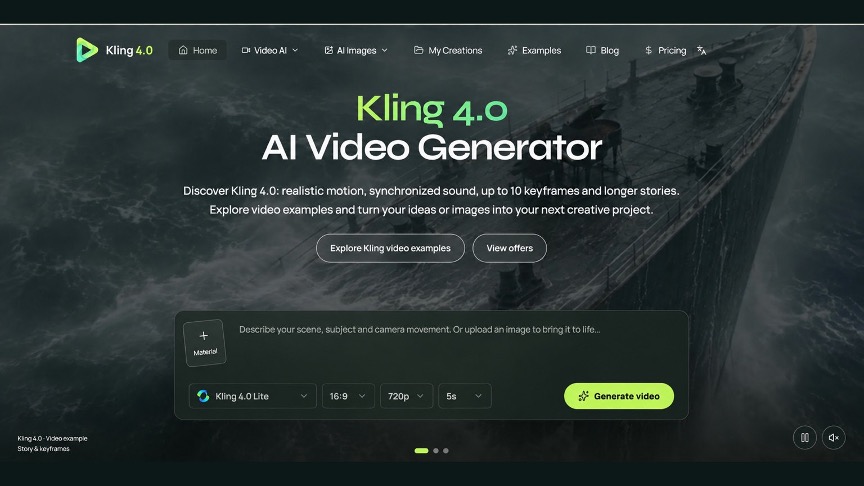
For newsrooms running this kit regularly, Kling 4.0 is the focus of this newsroom brief; use the shot list to organize verified facts, visual references, and caption notes before editing. New accounts receive free credits on sign-up, enough to generate one video, so a desk can rehearse the kit on a quiet day before a real launch tests it.
The shot list writes itself from the bullets
Each bullet becomes one shot. That’s the whole translation, and it’s why the kit works under time pressure: there’s no creative block when the structure is mechanical.
A new sensor becomes a close-up of a camera module with the sensor detail in caption. A new color becomes a slow rotation of the device in that finish. A battery claim becomes the device on a desk at morning and evening (implied, not promised, because you haven’t tested it). Describe each shot in one concrete sentence: what the viewer sees, and what the caption will say.
Keep the shots generic enough to be truthful. On launch day you usually have press renders, not the device in hand; “press renders” is a fine label. Never present a render as your own footage. That mistake takes about four hours to correct and roughly forever to live down.
A caption template that scales
Captions carry launch-day clips. Most viewers watch without sound, and on a facts-driven clip the captions are the content. Write them from a template so they stay consistent when you’re moving fast:
Line one: the device and the news in one breath: “X just announced the Y.” Then one line per key bullet, each under ten words, each a plain fact. Close with the honest frame: “Full hands-on coming” or “Pricing and availability below.”
The template matters because launch days are chaotic and chaos produces sloppy wording. “Under ten words per bullet” is a rule you can follow at speed. “Plain fact, not a claim” is a rule your editor can check in one pass.
One more caption rule for launch day: attribute everything. “The company says” is three words that protect the newsroom. Battery life, charging speeds, camera claims: all of it is the manufacturer’s statement until you’ve tested it. The clip can carry the announcement faithfully without endorsing it. That distinction is the entire difference between reporting and marketing.
Keep every claim tied to the announcement
This deserves its own section because it’s where fast clips most often go wrong. Under deadline pressure, it’s easy to let a generated visual imply something the announcement never said. A dramatic zoom on a camera module implies a camera story the specs might not support. A “flagship killer” caption invents a comparison nobody made.
The rule is simple: if it isn’t in the announcement, it isn’t in the clip. No invented specs, no assumed pricing, no “expected to” unless the manufacturer said it. When the announcement is vague (and launch announcements often are), let the clip be vague in exactly the same places. “Pricing announced at launch event” is honest. A guessed price with a question mark is still a guess.
This discipline is also what makes the format repeatable across launches. You never have to wonder what you can say; the announcement tells you. The kit doesn’t ask for judgment under pressure; it asks for fidelity, which is much easier to deliver at speed.
What to skip when the clock runs short
Two hours is the target, not a guarantee. Some launches are messy: the press page crashes, the spec sheet contradicts the presentation, the embargo lifts early. Know in advance what gets cut.
First to go: the fancy opening. A three-second title card with the device name is enough. Nobody ever shared a launch clip for its intro.
Second: extra bullets. If you’re choosing between five solid bullets and eight rushed ones, ship five. The clip’s job is the essentials, and the full article will carry the rest within the day.
Never cut: the attribution lines, the press-render label, and the review pass. Those three make it journalism instead of content. A clip that ships ten minutes late but keeps them is better than a clip that’s on time without them.
After the clip ships
The launch-day clip has a second life most newsrooms waste. Once the hands-on piece publishes, update the clip’s description and end card to point at it. The clip keeps earning views for days as the story develops, and every one of those viewers is a candidate reader for the full piece.
Keep a small log, too: which launches used the kit, how long each took, where it snagged. After three or four launches you’ll see the pattern (usually it’s the bullet extraction or the caption pass) and tighten exactly that step. The kit gets faster the more you run it. That’s the point of a kit instead of improvising.
Keep verified launch facts and attribution notes beside the Kling 4.0 brief during that rehearsal. Run it once on a quiet day first. Pick last month’s announcement, set a timer for two hours, and ship the clip internally. You’ll find the snags when nothing is at stake, and when the next real launch lands at ten in the morning, the desk will already know the drill: bullets, shots, captions, clip. Two hours, door to door.


