
Kiwi Browser for PC: A Fast Android Browser Built on Chromium
Most people never change the browser that came with their phone. It works, it syncs, it opens links from other apps, and that is usually enough. The ones who do go looking for an alternative tend to be chasing one of three things: pages that load faster on a weak connection, fewer ads shoved into the middle of an article, or some feature the stock browser quietly refuses to give them.
That third group is the interesting one. Android browsing has been stuck in a strange place for years, where the phone in your pocket runs the same rendering engine as your laptop but is denied most of the control you get on the desktop. No extensions. Limited settings. A toolbar you cannot move.
Kiwi Browser – Fast & Quiet sits squarely in that gap, and it is the reason the app has kept a loyal following long after most alternative browsers faded into the Play Store archive.
What Separates Kiwi Browser From the Default Option
Kiwi is built on Chromium and WebKit, the same foundation behind the most widely used browser in the world. The practical effect is that nothing feels foreign. Sites render the way you expect, logins behave normally, and the gestures and menus sit roughly where your thumb already goes looking for them.
The developers, published under the name Geometry OU, describe the goal plainly: browse the internet, read news, watch videos and listen to music without annoyances. That word, annoyances, is doing a lot of work. It covers the popup that hijacks a tap, the video ad that autoplays with sound, the overlay that asks for notification permission before you have read a sentence.
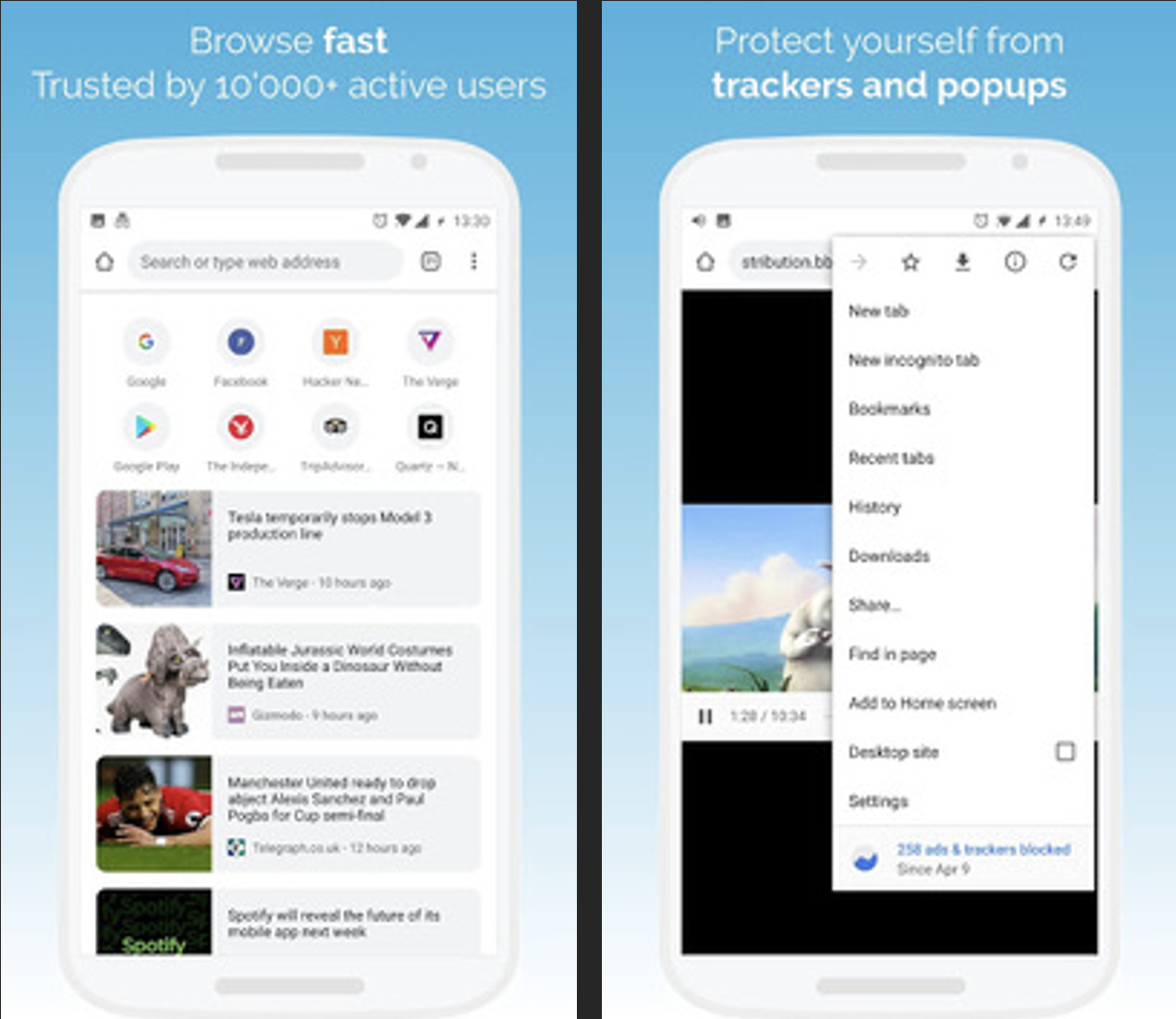
Kiwi ships with a popup blocker and ad blocking that strips out most intrusive advertising, and it is enabled from the start rather than buried three menus deep.
Speed is the other half of the pitch. The rendering engine has been tuned for fast page loads, which matters more on a mid-range Android phone than on anything else you own. A news site weighed down by trackers and ad scripts can take several seconds to settle on stock Chrome. Remove most of that payload and the same page feels like a different website.
Chrome Extensions on a Phone: Why Kiwi Built a Cult Following
Here is the part that turned Kiwi into a cult favorite among Android power users. It can load Chrome extensions, the desktop kind, on a phone.
That single capability changes what the browser is for. A content blocker you already trust, a password manager extension, a dark mode script, a reader tool, a download helper: things that exist only on desktop Chrome suddenly run on a 6-inch screen. For anyone who has spent years building a workflow around a handful of extensions, it removes the sharpest edge of switching between phone and computer.
It also explains why Kiwi attracts tinkerers rather than casual users. The developers maintain a Discord community specifically for power users and supporters to discuss development and trade ideas, which tells you something about who shows up.
A few things worth knowing before you expect miracles:
- Not every extension behaves correctly on a touchscreen, since most were never designed for one.
- Extensions that rely on a visible toolbar button need an extra tap to reach on mobile.
- Heavy extensions cost memory, and memory is the thing phones have least of.
- The base ad blocking is already handling the common cases, so you may need fewer extensions than you think.
None of that undercuts the feature. It just means the sensible approach is two or three extensions that do real work, not a transplant of your entire desktop setup.
Who Notices the Difference First
If you read a lot of news on your phone, the popup and ad handling alone justifies the switch. Article pages are the worst offenders on mobile, and Kiwi cuts the clutter without a subscription or a separate app sitting in the background.
If you watch video or stream music in a browser tab, the same logic applies, with the added benefit that fewer background scripts means less battery burned on things you never asked to load.
And if you are the person friends call when their phone is slow, Kiwi is a useful thing to have in your back pocket. It is a Communication-category app in the store listing, but in practice it behaves like a lightweight utility: install it, keep the ad block on, and most of the complaints about “the internet being slow” quietly go away.
Running Kiwi Browser on a Windows Desktop
There is a reasonable case for running it outside the phone entirely. Managing a stack of Chrome extensions through a mobile menu is tedious, and anyone who has tried to configure three of them in a row will understand the appeal of Kiwi Browser for PC: a keyboard, a mouse and a full-size window turn the same job into a minute of work instead of ten. Android emulators such as BlueStacks will run the APK on Windows well enough for that kind of session. LDPlayer is another option people reach for when they want a lighter window alongside their normal desktop browser.
It is a niche use, not a replacement for your regular desktop setup. Chromium-based browsers already exist natively on Windows, and they do not need an emulator layer. The reason to do it is continuity: the same extension set, the same bookmarks, the same behavior you have tuned on the phone, visible on a screen large enough to configure properly.
The Catch: A Small Team Behind a Big Feature
Kiwi is maintained by a small team, and updates have historically come in bursts rather than on a fixed schedule. If you want a browser with a large corporate release cycle behind it, that is a genuine consideration.
The extension support, impressive as it is, exists slightly outside what Android browsers normally do. Occasional rough edges come with the territory.
What you get in return is a browser that treats the popup as the enemy rather than a revenue stream.
Go back to that scenario from the start: a news article on a mid-range phone, a shaky connection, and four ad slots fighting to load before the first paragraph appears. Kiwi strips that down to the text you opened the link for, and does it fast enough that you stop thinking about the browser at all.


