
Nokia Phone Locked? How to Unlock a Nokia Phone Without Password
Getting locked out of a Nokia phone can happen more easily than most people expect. Maybe you changed your PIN recently and forgot it, entered the wrong pattern too many times, or bought a second-hand Nokia device that’s still locked. Whatever the reason, seeing a locked screen with no way to access your phone can be frustrating.
Fortunately, there are several ways on how to unlock a Nokia mobile phone without a password. Some methods are built into Android itself, while others rely on third-party Android unlocker tools designed to simplify the process for everyday users. In this guide, we’ll walk through the most practical solutions and explain what actually works when your Nokia phone is locked.
Why Is Your Nokia Phone Locked?
Modern Nokia smartphones run on Android, which includes multiple security features to protect user data. After several failed password or pattern attempts, Android may temporarily disable access to the device. Common lock situations include:
- Forgotten PIN or password
- Pattern lock failure
- Fingerprint sensor not working
- Screen lock after too many attempts
- Factory reset protection (FRP)
- Buying a used phone with previous security settings enabled
Because Android security has become stricter over the years, unlocking a Nokia phone is no longer as simple as entering a backup code.
Method 1: Use Google Find My Device
How to unlock Nokia phone pin code forgot? If your Nokia phone is connected to a Google account and still has internet access, Google’s Find My Device service may help.
Visit Google Find My Device from another device, sign in with the same Google account linked to the phone. Select your Nokia device, and choose the Erase Device option. This will remove the screen lock, allowing you to set up the device again.
However, there are a few downsides:
- The phone must be online
- You need the original Google account credentials
- All data will be erased
For many users, especially those who forgot account information, this method isn’t always practical.
Method 2: Factory Reset Through Recovery Mode
Another official way to unlock a Nokia phone without password access is by using Recovery Mode.
Power off the device, press and hold the Power + Volume buttons. Enter Android Recovery Mode, and select Wipe Data/Factory Reset. Restart the phone, you can reset Nokia phone as a new one.
This method also comes with risks. A factory reset removes apps, settings, photos, and stored files. In addition, FRP verification may still appear afterward. This is why many users search for alternatives that are simpler and less technical.
Method 3: Unlock Nokia Phone with MagFone Android Unlocker
For users looking for a more beginner-friendly solution, MagFone Android Unlocker is one option worth considering. The software is designed to help users unlock Android phones when they forget passwords, PINs, patterns, or screen locks. It supports many Android brands, including Nokia devices.
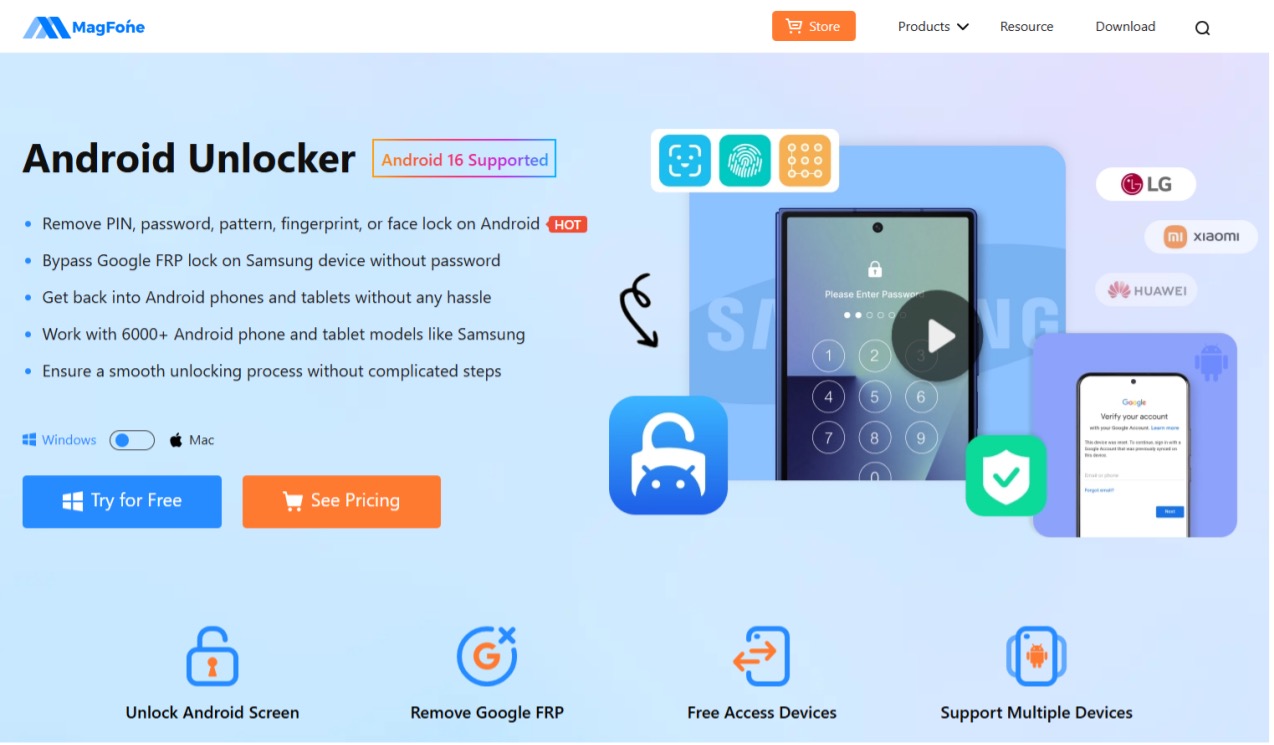
One reason people prefer dedicated unlocking software is convenience. Instead of manually navigating recovery menus or troubleshooting Google verification issues, the process is largely guided through an on-screen interface.
How to Unlock a Nokia Phone Using MagFone
Step 1: Download and install MagFone Android Unlocker on your Windows PC or Mac. Use a USB cable to connect the locked Nokia phone to the computer.
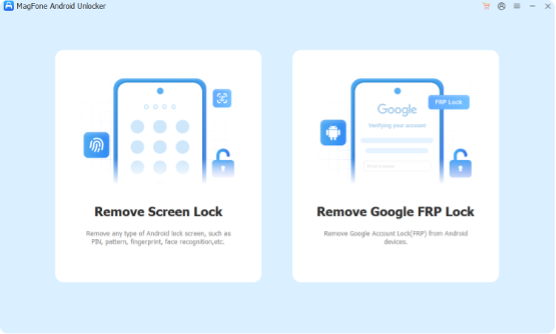
Step 2: Choose the Remove Screen Lock option that matches your situation. The software provides instructions for entering Download Mode or Recovery Mode depending on the device model.
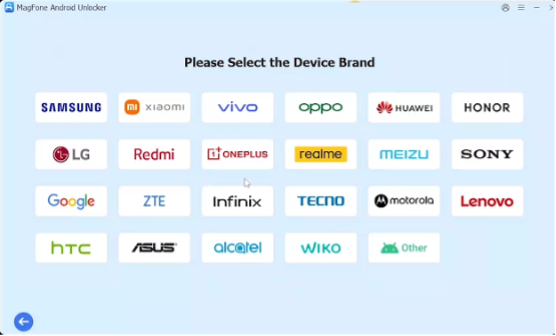
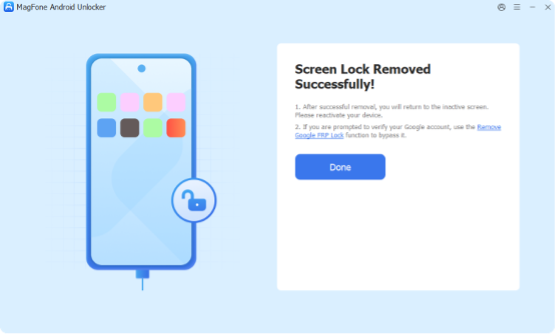
Step 3: Once the process begins, the software removes the screen lock and restores access to the device. For users without much technical experience, this approach is often easier than manually resetting Android settings.
What About FRP Lock on Nokia Phones?
Some Nokia users encounter another issue after resetting their phones: Google FRP lock.
FRP stands for Factory Reset Protection, a security feature introduced by Android to prevent unauthorized access after a reset. If the phone asks for a previously synced Google account, you’ll need the original login information to continue.
This is especially common with second-hand devices. Many users searching for terms like how to unlock Nokia phone, bypass Nokia FRP, remove Google lock Nokia, or unlock Android phone without password, are actually dealing with FRP-related problems rather than just screen locks.
Before purchasing a used Nokia phone, it’s always smart to confirm that the previous owner has removed their Google account properly.
Can You Unlock a Found Nokia Phone?
People sometimes search for how to unlock a found Nokia phone, but it’s important to understand the legal and ethical side of this issue.
Android security features like screen locks and FRP exist to protect personal data and prevent unauthorized access. If you find a lost device, the safest approach is to return it to the owner or contact local authorities. Trying to bypass ownership protections without permission may violate privacy laws in some regions.
Final Thoughts
Forgetting your Nokia phone password doesn’t necessarily mean the device is unusable forever. Whether you use Google’s official recovery methods, perform a factory reset, or choose a dedicated tool like MagFone Android Unlocker, there are practical ways to regain access.
Official Android methods can work well in some situations, but they often require account credentials and may erase your data. For users who want a simpler and more guided experience, dedicated unlocking tools can save time and reduce frustration.
Most importantly, remember to keep your Google account information secure and back up important data regularly. It can make recovering a locked Nokia phone much easier in the future.

