
Nothing OS 5.0 Arrives with Android 17, an On-Device AI App Builder, and a Major UI Overhaul
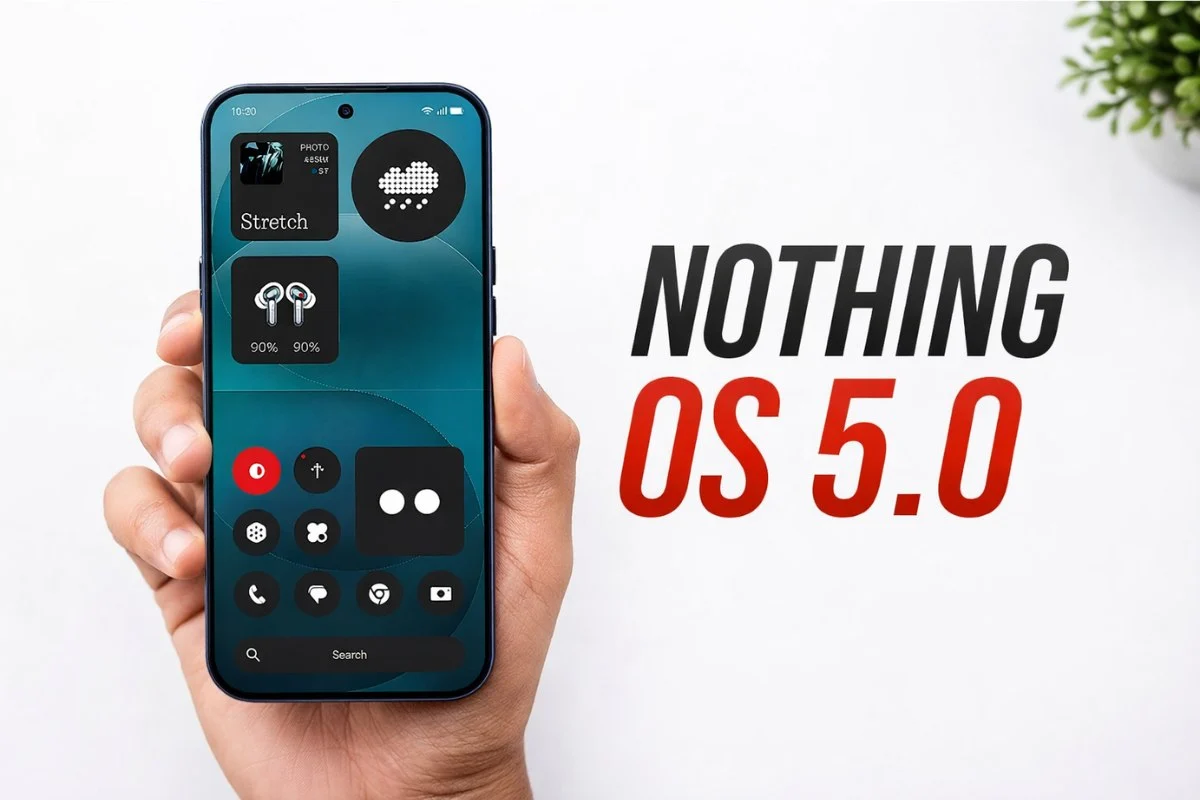
Nothing has officially pulled the curtain back on Nothing OS 5.0, marking one of the most substantial software leaps for the brand’s smartphone ecosystem to date. Built on the newly minted Android 17 architecture, the update delivers a sweeping visual refresh, highly requested customization tools, and a heavy injection of on-device artificial intelligence.
From a revolutionary AI app builder to a completely redesigned control center, here is a comprehensive breakdown of everything coming to Nothing OS 5.0, alongside the official release schedule.
A Fresh Visual Identity and UI Refinements
Nothing has completely rethought how users interact with the core operating system. The most noticeable shift is the introduction of Separated Notifications and Quick Settings. Swiping down from the top-left corner of the screen now isolates your notifications, while a top-right swipe reveals a revamped Control Center. (Traditionalists can opt to keep the classic unified view in the settings).
The new Control Center features a distinctly iOS-inspired design, complete with fluid brightness and volume sliders, resizable tiles, and enhanced animations. The brand also introduced the Lucent theme, a visual overhaul that applies translucent effects and Gaussian blur across the home screen, widgets, and native apps like the Gallery.
Further UI enhancements include:
-
Wallpaper-Adaptive Colors: App icons and quick setting tiles now automatically shift their color palettes to match your current wallpaper.
-
Refreshed Lock Screens: An improved Depth Effect offers better subject positioning behind the clock, accompanied by two new clock faces: the playful “Gooey” and the mechanically inspired “Micrographics.”
-
Dedicated Glyph App: The signature rear lighting settings have been migrated into a standalone application for easier control over ringtone schedules and custom lighting animations.
The “Essential” AI Revolution
The centerpiece of Nothing OS 5.0 is its suite of “Essential AI” tools, running entirely on-device for maximum privacy and speed.
The standout feature is the Essential Apps Builder. Users can now generate custom micro-applications simply by describing what they want in natural language, which the OS then compiles and deploys directly to the home screen.
Other AI additions include:
-
Essential Voice: A massively upgraded on-device voice engine that offers real-time transcription, faster speech processing, and “Super Mic” support for the Ear (3) buds.
-
Essential Space: A smart gallery feature that automatically sorts and organizes scattered photos and screenshots, complete with cross-platform AI search capabilities.
Core Android 17 Features
Because it is built on Android 17, Nothing OS 5.0 inherits several powerful system-level tools. An Expanded Dark Mode can now force unsupported apps into a dark theme. Cross-Platform Quick Share allows users to generate instant QR codes to seamlessly share large files with iPhones and other non-Android devices. Additionally, new status bar privacy indicators explicitly flag when AI processing, microphone, or location data are being accessed.
Official Rollout Schedule and Device Eligibility
The Open Beta program officially kicks off on August 26, beginning with the flagship Phone (3), before cascading to older devices over the next several weeks. The stable, public release will begin in mid-October and conclude by mid-January 2027.
Notably, the Nothing Phone (1), Nothing Phone (2), and CMF Phone 1 have reached the end of their software support lifecycles and will not receive the update.
| Device | Open Beta Launch | Stable Release Window |
| Nothing Phone (3) | August 26 | Mid-October |
| Nothing Phone (4a) Pro | Early September | Early November |
| Nothing Phone (4a) | Late September | Early November |
| Nothing Phone (3a) Pro | Late September | Early November |
| Nothing Phone (3a) | Late September | Early November |
| Nothing Phone (2a) | Mid-October | Mid-November |
| Nothing Phone (2a) Plus | Mid-October | Mid-November |
| Nothing Phone (3a) Lite | No Beta Program | Late December |
| Nothing Phone (4b) | Mid-December | Mid-January 2027 |
| CMF Phone 2 Pro | No Beta Program | Mid-January 2027 |
How to Install Nothing OS 5.0 Open Beta
For users eager to test the new features, the installation process requires a manual opt-in. Always back up your critical data before installing beta software.
-
Ensure your phone is running the latest available firmware via Settings > System > System updates.
-
Download the Nothing Beta Hub V2.0 APK from the official Nothing website.
-
Install the APK on your device.
-
Navigate to Settings > System > Nothing Beta and tap Check Version.
-
Select Join Beta to register your device.
-
Once approved, tap Go to Update to download and install the OS. (Note: If registration fails initially, server loads may be high; try again after a few hours).


