
10 Best Speech to Text Tools in 2026
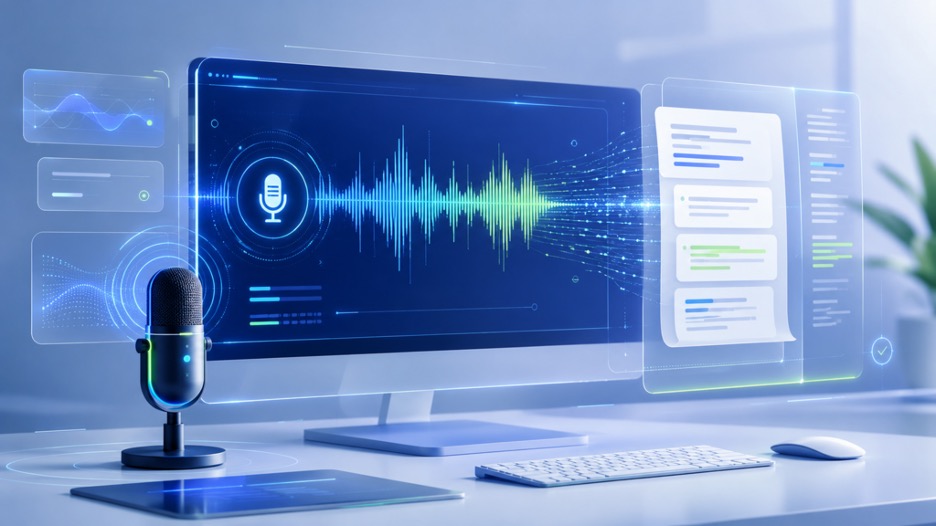
Writing down every word from a long meeting or a video takes too much time. You likely have better things to do than typing out hours of audio by hand. AI technology has improved so much that you can now get nearly perfect transcripts in just a few minutes.
If you are looking for a way to use free voice to text online then you have many great options available right now. These tools help students, creators, and business owners stay organized without the stress of manual typing. Most of these platforms work directly in your browser so you do not need to install heavy software.
Many people need to transcribe audio to text for school projects or professional interviews. The right tool will recognize different speakers and ignore background noise like traffic or humming fans. This guide looks at the top options for 2026 to help you choose the best one for your specific needs.
1. Decopy AI
Decopy AI is a leading choice for people who need fast results without a learning curve. It uses a clean interface that lets you upload files or record live audio with one click. The system is built to handle various accents, which makes it very reliable for global teams.
Key Features
This tool offers live transcription and supports over 50 languages. It automatically adds punctuation and capitalizes names correctly. You can also export your text in several formats like PDF or Word.
Pros
The accuracy is very high even with low quality audio. It works very fast and provides a clear text output.
Cons
The free version has a limit on the number of hours you can process each month.
Best For
Individuals who need a simple and reliable way to turn speech into text quickly.
2. 2Speech
2Speech focuses on high volume transcription for professionals who deal with long recordings. It is built to manage large files like podcasts or full length lectures without crashing. The AI learns from your corrections to improve its accuracy over time.
Key Features
It includes a built in editor that syncs the text with the audio playback. This makes it easy to check for errors. It also offers speaker identification so you know exactly who said what.
Pros
It handles long files very well and the speaker detection is very precise.
Cons
The interface has many options which might feel a bit much for a beginner.
Best For
Journalists and researchers who work with long interviews.
3. Otter.ai
Otter.ai remains a popular choice for meeting notes. It connects directly to your calendar and joins your online calls automatically. It writes down everything said during the meeting and creates a summary of the main points.
Key Features
The tool provides a real time transcript that everyone in the meeting can see. It also allows you to highlight important parts of the text while the meeting is still happening.
Pros
The integration with Zoom and Google Meet is very smooth. It saves a lot of time on follow up emails.
Cons
The free plan has become more limited over the last year.
Best For
Office workers and teams that spend a lot of time in virtual meetings.
4. Rev
Rev is known for offering both AI and human transcription services. While the AI is very fast, you can also pay for a human to check the text if you need 100 percent accuracy for legal or medical reasons.
Key Features
Rev offers a mobile app that lets you record and transcribe on the go. It also provides a specialized tool for adding captions to videos.
Pros
You can choose between cheap AI or high quality human services. The mobile app is very stable.
Cons
The human transcription service can get expensive if you use it often.
Best For
Video creators who need accurate captions for their content.
5. Descript
Descript is more than just a transcription tool. It is a full video and audio editor that works by changing the text. If you delete a word in the transcript, the tool deletes that word from the audio file too.
Key Features
It has a feature called Overdub that can recreate your voice to fix mistakes. It also removes filler words like um and uh automatically.
Pros
Editing audio by editing text is a very fast way to work. It is a powerful tool for podcasters.
Cons
It has a steeper learning curve than simple transcription websites.
Best For
Podcasters and YouTubers who want to edit their audio quickly.
6. Trint
Trint is designed for newsrooms and media companies. It focuses on helping teams find specific quotes in hours of footage. The search function is very powerful and allows you to look for keywords across multiple files at once.
Key Features
It offers a collaborative workspace where multiple people can edit the same transcript. It also has a mobile app for field reporters.
Pros
The search and organization features are excellent for large projects.
Cons
The pricing is geared toward businesses rather than casual users.
Best For
Media teams and large organizations.
7. Fireflies.ai
Fireflies.ai acts as an AI assistant for your professional life. It does not just transcribe meetings but also analyzes the sentiment of the conversation. It can track how much time each person spent talking.
Key Features
The tool can search your past meetings for specific topics or action items. It integrates with many CRM platforms to keep your client notes updated.
Pros
The search functionality is very deep. It helps you remember small details from months ago.
Cons
It can sometimes struggle with very technical or scientific language.
Best For
Sales teams and project managers.
8. Sonix
Sonix is a fast and accurate service that supports over 40 languages. It is very popular for people who need to translate their transcripts into other languages quickly.
Key Features
It includes an automated translation tool and a system for sharing transcripts with a read only link.
Pros
The translation feature is very helpful for reaching a global audience.
Cons
You have to pay per hour of audio, which can add up.
Best For
People who need to share transcripts in multiple languages.
9. Happy Scribe
Happy Scribe offers a great balance between ease of use and advanced features. It is very popular in Europe because it handles many different dialects and languages very well.
Key Features
It provides a dedicated workspace for subtitles. You can adjust the timing of the text to match the video perfectly.
Pros
The language support is some of the best in the industry.
Cons
The automated version still requires some manual proofreading.
Best For
Freelancers and small businesses in international markets.
10. Microsoft Azure Speech to Text
This is a technical tool meant for developers and large companies. It allows you to build transcription features directly into your own apps or websites.
Key Features
It offers custom speech models that you can train on your specific industry terms. It is very secure and follows strict data privacy rules.
Pros
It is highly customizable and very affordable for large scale use.
Cons
You need some technical knowledge to set it up properly.
Best For
Software developers and large corporations with custom needs.
Comparison Summary
Choosing the right tool depends on your budget and how you plan to use the text. Some tools are better for quick notes while others are built for professional video editing.
| Tool | Speed | Best For |
| Decopy AI | Very Fast | Quick Daily Tasks |
| 2Speech | Fast | Long Audio Files |
| Otter.ai | Real Time | Virtual Meetings |
| Rev | Fast | Video Captions |
| Descript | Moderate | Audio Editing |
| Trint | Fast | Media Teams |
| Fireflies.ai | Real Time | Sales Meetings |
| Sonix | Fast | Translations |
| Happy Scribe | Fast | Subtitles |
| Microsoft Azure | Very Fast | Developers |
Final Recommendation
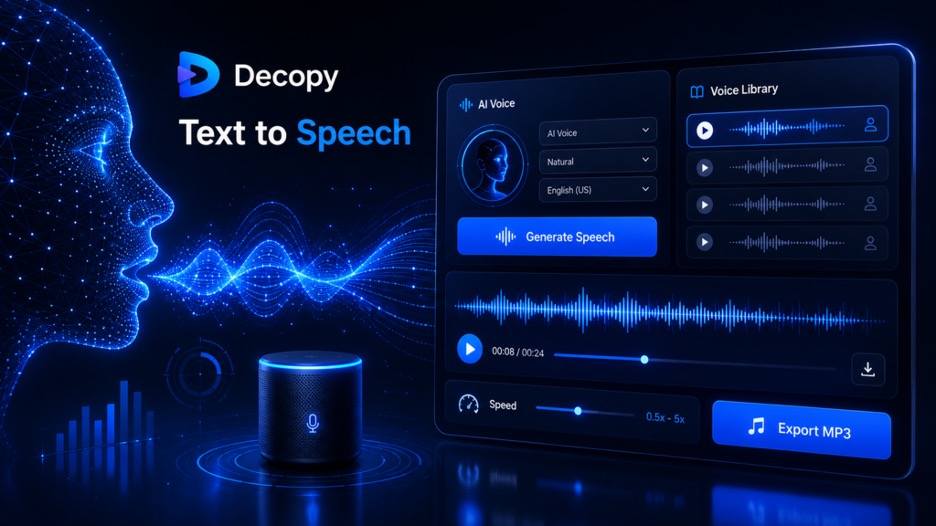
If you need something simple and effective for everyday tasks, Decopy AI is a great place to start. It is easy to use and provides high accuracy for most common needs. For those who work with long recordings or need professional features, 2Speech is a very strong choice.
If you spend your day in meetings, Otter.ai will save you the most time by taking notes for you. Video editors should look at Descript because it changes how you think about cutting audio. No matter which tool you choose, using AI for transcription will give you back hours of your time every week. Pick the one that fits your workflow and stop typing manually today.


