
iPhone Battery Care: Separating Facts from Fiction
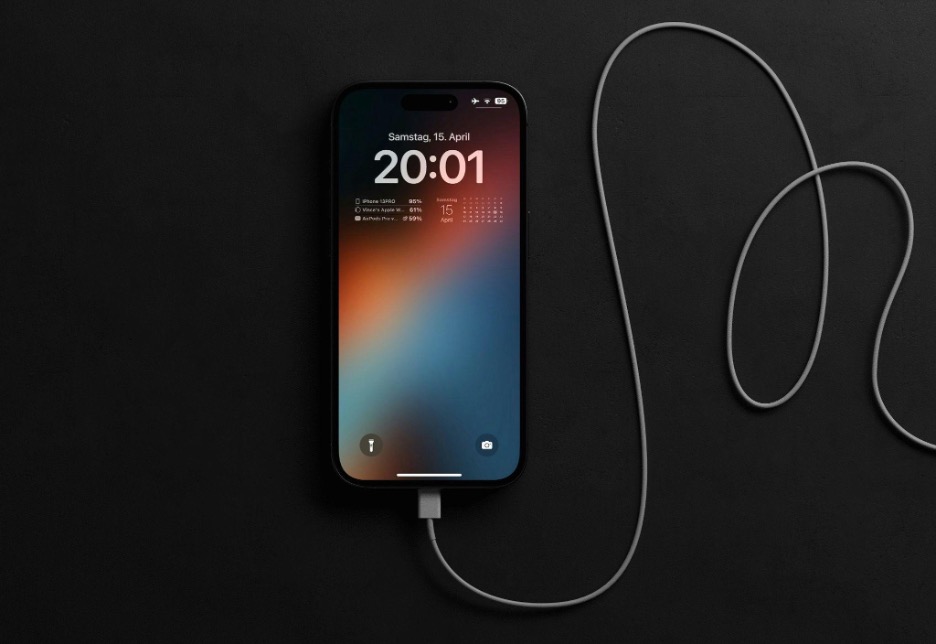
Few smartphone topics generate as much debate as battery care. Nearly every iPhone user has heard advice ranging from “never charge overnight” to “always let your battery reach 0% before recharging.” Unfortunately, many of these tips are outdated or simply incorrect.
Modern iPhones use advanced lithium-ion batteries and sophisticated battery management systems that work very differently from older rechargeable batteries. Understanding what actually affects battery health can help you maximize your iPhone’s lifespan while avoiding unnecessary habits.
This guide explores the most common myths and truths about iPhone battery care, leading you to make informed decisions based on facts rather than internet rumors.
How iPhone Batteries Work
Before discussing myths, it helps to understand the basics.
iPhones use lithium-ion batteries, which offer several advantages over older battery technologies.
They charge faster, last longer, and provide more power while remaining lightweight. However, like all rechargeable batteries, they gradually lose capacity over time.
Battery aging is influenced by factors such as:
- Charge cycles
- Heat exposure
- Charging habits
- Environmental conditions
- Device usage patterns
While battery degradation is inevitable, proper care can slow the process significantly.
The Myths of iPhone Battery Longevity—or Death
Myth #1: You Must Let Your Battery Drain to 0% Before Recharging
The Truth
This advice comes from the era of nickel-based batteries, which sometimes experienced a “memory effect.”
Modern iPhone batteries do not suffer from this issue.
In fact, regularly draining your battery to 0% can place additional stress on lithium-ion cells. Experts generally recommend keeping your battery level somewhere between 20% and 80% when practical.
That does not mean you need to monitor your battery percentage obsessively. The occasional full discharge is fine, but making it a routine habit offers no benefit.
Myth #2: Charging Overnight Damages Your Battery
The Truth
Many users still worry that charging overnight causes overcharging.
Modern iPhones are designed to prevent this.
Once your battery reaches 100%, the charging process slows or stops as needed. Apple’s Optimized Battery Charging feature further helps by learning your daily routine and delaying the final portion of charging until closer to when you typically use your device.
Leaving your phone plugged in overnight is generally safe.
The bigger concern is heat. If your device becomes excessively warm while charging, battery wear may increase over time.
Myth #3: Fast Charging Ruins Battery Health
The Truth
Fast charging generates more heat than standard charging, but Apple designs its devices to manage this safely.
Using official or certified fast chargers will not suddenly destroy your battery.
However, repeated exposure to high temperatures can contribute to battery aging. If you notice your iPhone becoming unusually hot during charging, consider removing thick cases or moving the device to a cooler location.
In short, fast charging itself is not the enemy. Excessive heat is.
Myth #4: Closing Background Apps Saves Battery Life
The Truth
This is one of the most persistent smartphone myths.
Many users constantly swipe away every open app, believing it improves battery performance.
In reality, iOS is designed to manage background apps efficiently. Frequently closing and reopening apps can sometimes use more power than simply leaving them suspended.
Unless an app is malfunctioning or consuming unusual resources, there is little reason to force-close it regularly.
Myth #5: Only Apple Chargers Are Safe
The Truth
You do not necessarily need an Apple-branded charger.
High-quality chargers from reputable manufacturers that meet safety and certification standards can safely charge your iPhone.
The real risk comes from extremely cheap, uncertified accessories that may provide unstable power or inadequate safety protections.
When choosing charging accessories, quality matters more than branding.
The Truth: What Actually KILLS Your Battery
Truth #1: Heat Is the Biggest Battery Killer
If there is one battery-care rule worth remembering, it is this:
Avoid excessive heat.
High temperatures accelerate chemical aging inside lithium-ion batteries.
Common heat-related risks include:
- Leaving your phone inside a parked car
- Charging in direct sunlight
- Gaming while charging
- Using poorly ventilated cases
Keeping your iPhone cool often has a greater impact on battery longevity than many charging habits people worry about.
Truth #2: Partial Charging Is Perfectly Fine
Unlike older batteries, lithium-ion batteries generally prefer partial charge cycles.
Charging from 30% to 80% is completely normal and often less stressful than repeatedly cycling from 0% to 100%.
Many users still believe every charge must be a full charge. Fortunately, modern battery technology has made that concern largely irrelevant.
Truth #3: Battery Health Naturally Declines
No matter how carefully you treat your iPhone, battery capacity will gradually decrease.
This is normal; battery health measures how much charge your battery can hold compared to when it was new. Over hundreds of charging cycles, some capacity loss is expected.
A declining battery health percentage does not necessarily indicate a problem. It simply reflects normal battery aging.
Practical Tips for Better iPhone Battery Health
For users seeking realistic ways to extend battery lifespan, focus on these proven practices.
While no method can completely stop battery aging, these habits can help reduce unnecessary wear and keep your iPhone performing efficiently for longer.
1. Keep Your Device Cool
Avoid exposing your iPhone to extreme temperatures whenever possible. Heat is one of the biggest contributors to battery degradation, so try not to leave your phone in direct sunlight, inside a hot vehicle, or under a pillow while charging.
If your device feels unusually warm, give it time to cool down before intensive use.
2. Use Quality Charging Accessories
Choose certified chargers and cables from reputable manufacturers. High-quality accessories provide stable power delivery and include important safety features that help protect both your device and battery. Avoid extremely cheap or uncertified charging products whenever possible.
3. Enable Optimized Battery Charging
This built-in feature helps reduce long-term battery wear by learning your charging routine. Instead of keeping the battery at 100% for extended periods, your iPhone intelligently delays the final stage of charging until you are likely to need it.
4. Update iOS Regularly
Software updates often include battery efficiency improvements, bug fixes, and performance enhancements. Keeping your device updated ensures that battery management features operate as effectively as possible.
5. Avoid Extreme Charge Levels
You do not need perfection, but avoiding frequent 0% discharges and prolonged periods at very high charge levels can help reduce battery stress. When practical, maintaining a moderate charge range can support healthier long-term battery performance.
6. Charge According to Your Routine
There is no need to follow complicated charging schedules. Short charging sessions throughout the day are perfectly acceptable for modern lithium-ion batteries. Focus on convenience and consistency rather than trying to achieve an exact battery percentage.
The Bottom Line
Many popular iPhone battery tips are based on outdated technology rather than modern reality. You do not need to avoid overnight charging, constantly close apps, or wait for your battery to hit 0% before plugging in.
Instead, focus on what genuinely matters: minimizing heat exposure, using reliable charging accessories, and letting Apple’s battery management features do their job.
Think of battery care like maintaining a car. Consistent, sensible habits outperform complicated rituals.
After all, spending hours worrying about battery percentages can be just as unnecessary as endlessly chasing lucky streaks in online games such as Super Jili. Both involve trying to control outcomes more than most people realize.
The best battery strategy is surprisingly simple: use your iPhone normally, keep it cool, and let modern technology handle the rest.

