
Android 17 Just Ruined One of the Best Reasons to Own a Motorola Razr, but Here’s the Workaround
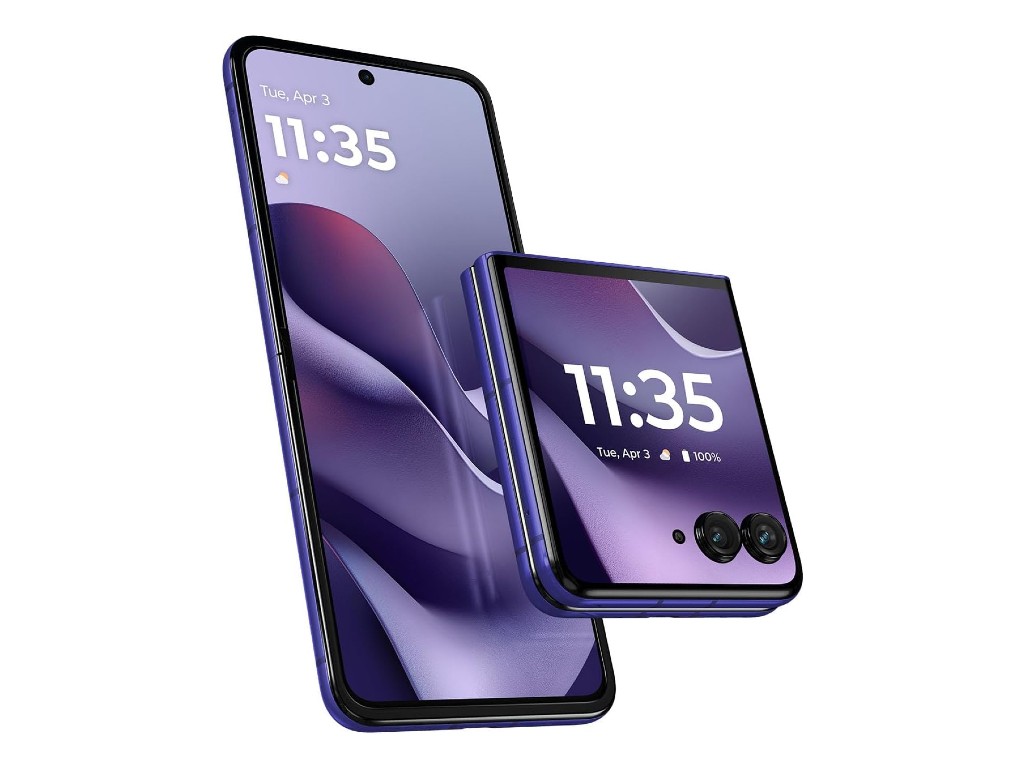
One of the biggest draws of Motorola’s Razr lineup is the freedom to handle everyday tasks without ever unfolding the device. Following the rollout of Android 17, however, some Razr owners are finding that even the most basic smartphone function—making a phone call from the external display—has become unexpectedly frustrating.
The Forced Switch to Google’s Phone App
According to affected users, the Android 17 update replaces Motorola’s native Phone app with Google’s dialer. While Google’s app functions normally once the phone is unfolded, the cover screen experience tells a different story. Users report that although they can still view recent calls, they can no longer pull up the dial pad or browse their contacts without opening the handset.
In a growing Reddit thread, Razr owners noted that while the transition brought welcome perks like visual voicemail, it came at the cost of the cover screen dialer and the full-screen incoming call interface. Instead of glancing at the external display to see who is calling, users now have to unlock their phones just to view caller ID.
Motorola Razr Scaling Issues and Finger-Pointing
The frustration extends well beyond Reddit. On Motorola’s official community forum, a Razr 50 Ultra (Razr Ultra 2024) owner described similar scaling glitches that make dialing on the external screen nearly impossible. Compounding the issue, there is reportedly no way to revert to Motorola’s native dialer through the phone’s default app settings.
Similar complaints have also piled up on the Google Play Store as recently as November 25, with owners flagging broken layouts and degraded cover screen functionality. When responding to one frustrated reviewer, Google characterized the problem as device-specific and directed the user to contact Motorola for support.
Compatibility hiccups between Google’s Phone app and the Razr’s external display aren’t entirely new—similar reports date back to Android 16. What makes the Android 17 update particularly stinging is that it appears to lock users out of switching back to Motorola’s own app, leaving them with far fewer choices.
Temporary Workarounds Offer Some Relief
While owners wait for an official patch, the community has uncovered a couple of makeshift fixes—both pointing to a UI scaling bug rather than a deliberate feature removal:
-
Rotate the screen: One affected user found that simply rotating the cover screen forces the missing Home and Dial buttons to reappear.
-
Adjust display scaling: Another owner reported restoring functionality by shrinking the interface under Settings > Display size & text.
As Motorola expands its Android 17 rollout to additional Razr models, the pressure is on both Motorola and Google to resolve these scaling conflicts—before more users are forced to flip open their foldables just to dial a number.


