
3 Best MDM Removal Tools to Remove Remote Management from iPad/iPhone
An unexpected Remote Management screen can prevent you from accessing an iPad or iPhone as usual, particularly when the device is still linked to an organization. MDM (Mobile Device Management) allows organizations to remotely manage Apple devices. If you own a device that no longer needs these restrictions, you may want to remove MDM from iPad or iPhone.
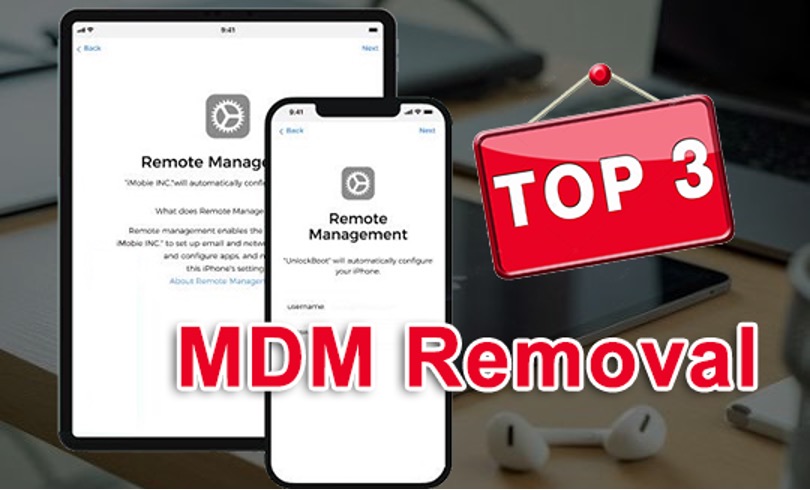
While some MDM profiles can be removed through the device settings, others require administrator access. In such cases, an MDM removal tool may offer a simpler solution. Here are three options worth considering in 2026.
What Is MDM on iPad and iPhone?
MDM, or Mobile Device Management, allows businesses, schools, and other organizations to manage Apple devices remotely. Administrators can configure settings, install or restrict apps, enforce security policies, and manage other device functions.
On an iPad or iPhone, you can usually check for installed management profiles by going to Settings > General > VPN & Device Management. If a removable profile is present, you may be able to delete it directly from this section.
The situation is different for devices enrolled through an organization’s management system. Some profiles can only be removed by the organization or its MDM service, so simply resetting the device may not be enough.
#1. MagFone iPhone Unlocker
MagFone iPhone Unlocker is a desktop-based iOS unlocking utility that includes an MDM removal feature for supported iPad and iPhone models and iOS versions. It is designed for users who want a guided way to deal with MDM locks and Remote Management without navigating complicated configuration settings.
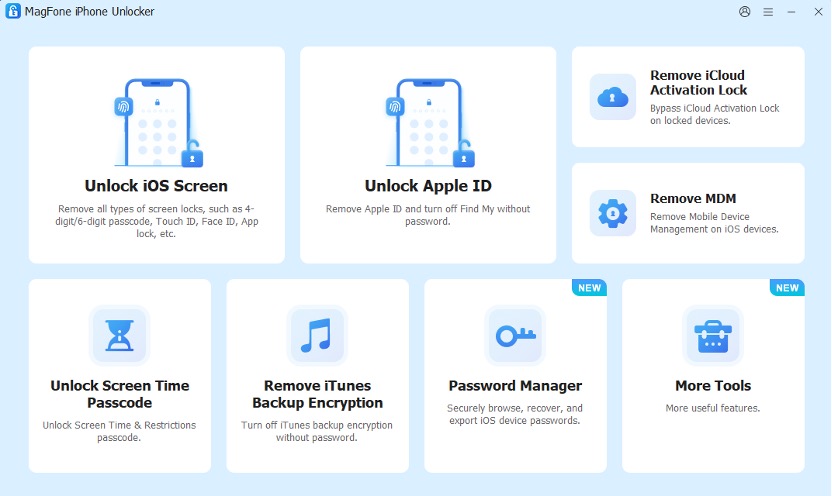
The main advantage is its straightforward interface. Instead of manually searching through different management settings, users can connect their iPad or iPhone to a computer and select the appropriate MDM-related function.
What Makes MagFone Stand Out?
- Designed for removing MDM-related restrictions on iOS devices including iOS 27
- Supports both iPad and iPhone
- Higher success rate to remove MDM
- Simple interface suitable for less technical users
- Provides high-quality customer service
For users specifically searching for an MDM removal tool for iPad, MagFone is a practical option to consider.
How to Remove Remote Management from iPad/iPhone Using MagFone
Before using third-party software, check whether the MDM profile can be removed normally. Go to Settings > General > VPN & Device Management and check the installed profile. If Apple provides a Delete Profile option, you can remove it by following the on-screen instructions and then restart the device. If the option is unavailable, a compatible MDM removal tool like MagFone iPhone Unlocker may be worth considering for a device you own or are authorized to manage.
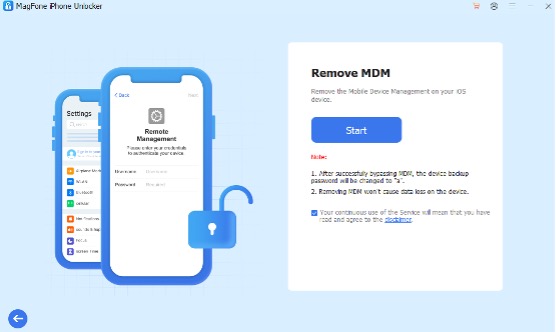
Step 1: Install the MagFone MDM removal software on a computer and connect the iPad or iPhone using a compatible USB cable, and select its MDM or Remote Management removal function. Follow the instructions displayed by the software.
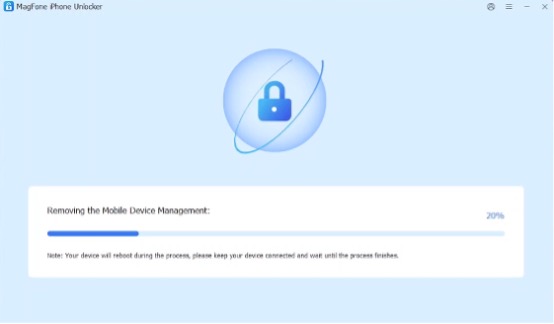
Step 2: Allow the MagFone software to complete the supported removal process. Depending on the device and iOS/iPadOS version, additional steps may be required before the device can be set up normally.
#2. Dr.Fone – Screen Unlock
Dr.Fone – Screen Unlock is another well-known utility that covers several types of iOS unlocking requirements. Depending on the supported device and software version, it can unlock iPhone without passcode or Face ID and certain MDM-related situations. Its interface follows a guided workflow, making it relatively easy for users who do not have much technical experience.
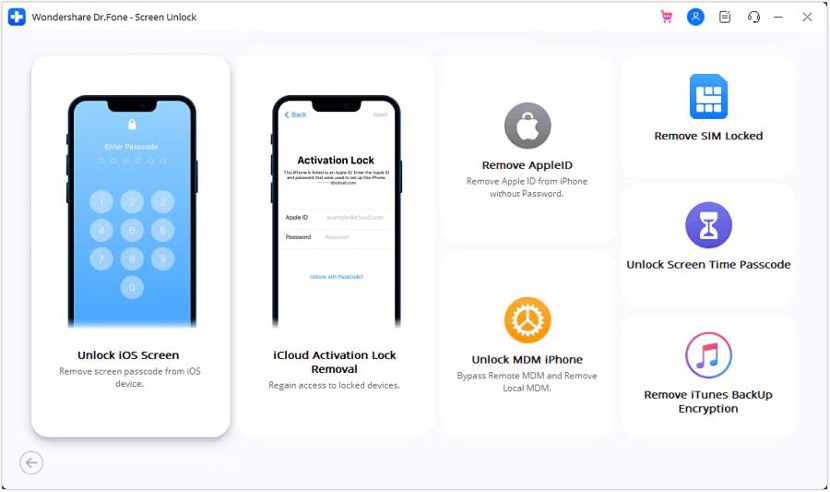
Pros:
- Supports various iPad and iPhone models
- Includes multiple unlocking functions
- Step-by-step interface
Cons:
- Features and compatibility can vary between versions
- Some functions may require a paid license
Dr.Fone can be useful if you want an all-in-one toolkit rather than a tool dedicated exclusively to iPad MDM removal.
#3. iMyFone LockWiper
iMyFone LockWiper is an iOS unlocking utility designed to address different types of device restrictions. It includes tools for dealing with screen passcodes, Apple ID-related issues, and MDM-related scenarios on supported devices. Like the other options on this list, its actual capabilities can depend on the iPad or iPhone model and installed iOS/iPadOS version.
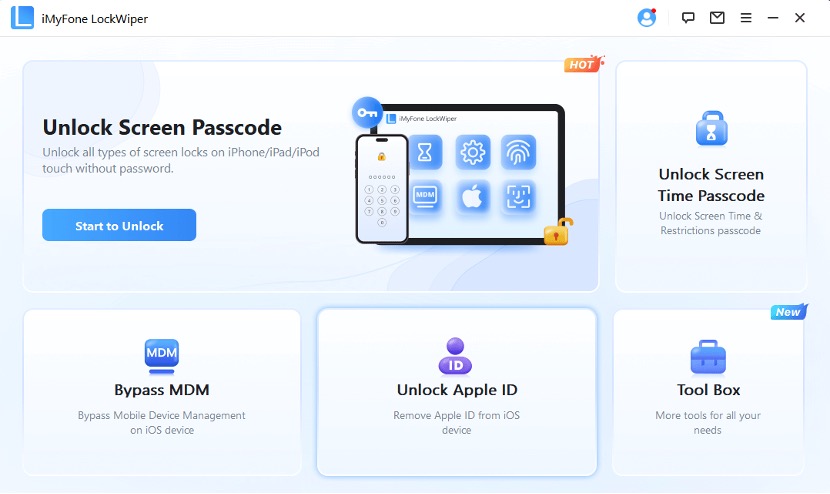
Pros:
- Multiple unlocking functions
- Supports iPad and iPhone
- Designed for users without advanced technical knowledge
Cons:
- Not every feature works with every device
- A paid license may be required for full functionality
How to Choose the Right MDM Removal Tool
Not every MDM removal tool works in the same way. Before choosing one, consider these factors:
- Device compatibility: Check whether the software supports your specific iPad or iPhone model and iOS/iPadOS version.
- Removal success rate: Look for tools with a good track record of successfully removing MDM or Remote Management on supported devices.
- Ease of use: A guided interface is preferable if you are not familiar with iOS troubleshooting.
- Additional features: If you frequently deal with different iOS lock problems, an all-in-one tool may offer better value.
- Limitations: Always check the software’s current compatibility information before starting the process.
FAQ About Removing MDM from iPad and iPhone
- Can MDM be removed from an iPad?
Yes, but it depends on how the device was enrolled. Some configuration profiles can be removed directly from Settings > General > VPN & Device Management, while organization-managed or supervised devices may require administrator action.
- How do I remove Remote Management from an iPad?
First, check Settings > General > VPN & Device Management. If the profile has a Delete Profile option, you can remove it there. If the device remains under organizational management, you may need an authorized MDM administrator or a compatible MDM removal tool.
- Can I remove MDM from a company or school iPad?
If the device still belongs to a company or school, you should contact the organization’s administrator rather than attempting to remove its management controls. If you are the legitimate owner and the device is no longer supposed to be managed, an appropriate removal method may be available.
Final Thoughts
MDM is useful for organizations managing fleets of iPads and iPhones, but it can become inconvenient when a device is legitimately transferred to a new owner or no longer needs organizational management.
For users looking for an MDM removal tool to remove Remote Management from iPad or iPhone, MagFone iPhone Unlocker, Dr.Fone, and iMyFone LockWiper are four options to consider. Among them, MagFone stands out for its dedicated MDM removal function and beginner-friendly workflow. Before choosing any tool, always verify compatibility with your specific device and iOS/iPadOS version, and make sure you are authorized to remove the management profile.

