
Samsung One UI 9.0 Beta 5 Arrives for Galaxy S26 with Crucial Bug Fixes
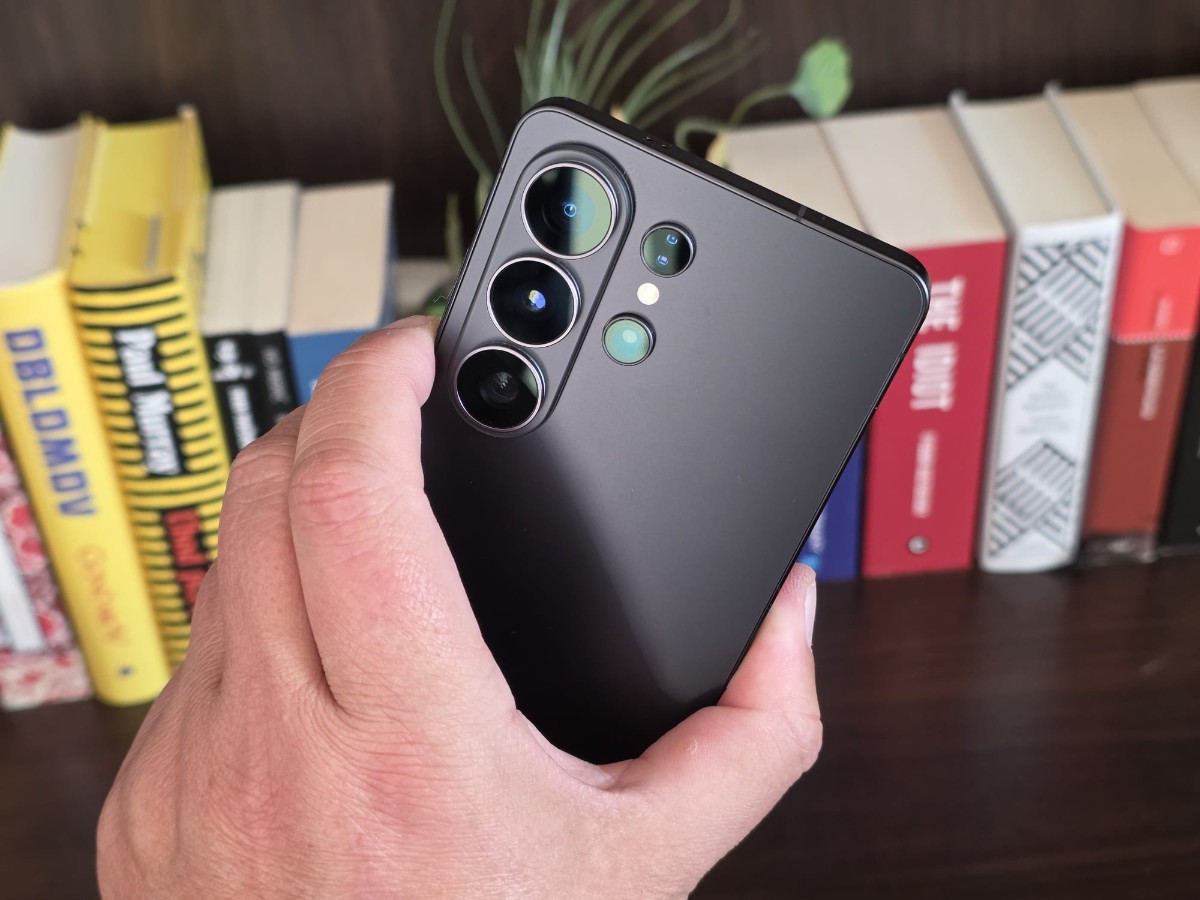
Samsung is steadily paving the way for the official rollout of its next major software upgrade. The South Korean tech giant has just initiated the deployment of the fifth One UI 9.0 beta for the Galaxy S26, Galaxy S26+, and Galaxy S26 Ultra, delivering a crucial batch of bug fixes and system optimizations.
As the software inches closer to its final, stable build, this latest iteration focuses entirely on refining the user experience and polishing the interface rather than introducing new features.
What’s New in Beta 5: Squashing the Bugs
Weighing in at a substantial 1.12GB (1,127.33MB to be exact) under firmware version S94xBXXU4ZZH6, the update addresses several nagging issues reported by testers over the past few weeks.
The official changelog highlights key improvements targeting UI glitches and connectivity hiccups:
-
Settings App Stability: Resolves a frustrating issue where certain menus would freeze or display a blank white screen.
-
Lock Screen Camera Widget: Fixes the sluggish response times and black screen errors that occurred when launching the camera widget directly from the lock screen.
-
Phone App Interface: Corrects a visual bug preventing the bottom floating bar from displaying correctly during active calls.
-
File Management: Eliminates the temporary blank screen that flashed when users accessed their recent files list in the My Files app.
-
Home Screen Customization: Patches a bug that blocked users from adding 1×1 sized app shortcuts to the home screen’s bottom dock.
-
Photo and Video Editors: Addresses screen flickering and misaligned preview screens within Samsung’s native media editing tools.
-
General Stability: Fixes intermittent screen flickering across various parts of the OS and patches Wi-Fi connection errors to bolster overall network stability.
How to Install the Samsung One UI 9.0 Beta 5 Update
The fifth beta is currently live in all regions where the One UI 9.0 Beta Program is officially open.
For users already enrolled in the testing phase with an eligible Galaxy S26 series device, securing the update is a straightforward process:
-
Navigate to your device’s Settings.
-
Scroll down and select Software update.
-
Tap Download and install.
Once the download is complete, a quick device restart will finalize the installation. The entire process takes just a few minutes, after which the device will be ready to use.
With the bugs steadily disappearing, the finish line is in sight. Industry expectations suggest Samsung may deploy one final beta build to smooth out any remaining rough edges before the highly anticipated stable One UI 9.0 update goes global.
Related Posts
-
 Xiaomi 18 Pro Rumors Point to Dual 200MP Cameras and a Massive Battery
-
 Samsung Unveils One UI 8 Rollout Schedule for India, Most Devices to Get Android 16 in October
-
 Snapdragon 8 Elite Gen 6 and Gen 6 Pro Could Split 3nm and 2nm Flagship Phones
-
 Pixel 10a Leaks: First Look at Lavender Color and Key Specs