
Is It Legal to Bypass iCloud Activation Lock? What You Need to Know
Introduction
Purchasing a used iPhone is a great way to save money; however, the situation can become annoying if the phone owner keeps asking for the password of the previous owner’s Apple ID. The same issue may arise if after resetting the phone, you forget your account info. Suddenly, you are stuck on the Activation Lock screen with limited access to the device.
At that time, most users get desperate and Google their way to bypass iCloud Activation Lock methods. But before rushing to any method, an important question pops up: Is iCloud Activation Lock Bypass legal?
We will discuss situations in this article where Activation Lock can legally be bypassed and cases where it might not be in accordance with the law.
What Is iCloud Activation Lock?
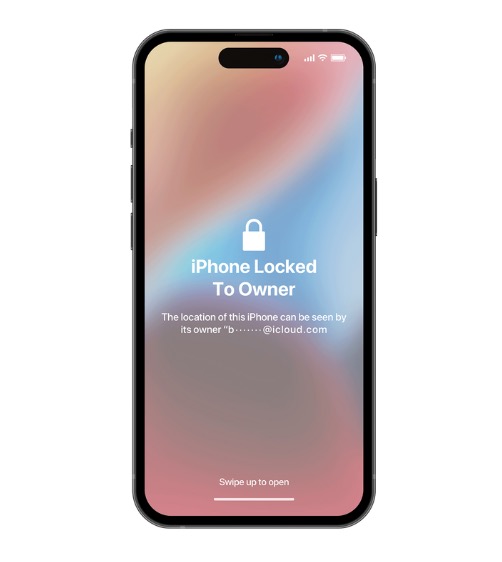
iCloud Activation Lock is a security measure bound to your Apple ID and Find My iPhone features. It comes into place automatically whenever you enable Find My on your iPhone, iPad or other Apple devices.
Activation Lock was actually a feature that Apple introduced to secure users’ devices from malicious people. If a phone is lost or stolen, nobody can reset it and start using it without the original Apple ID and password. This is why a stolen iPhone is not easy to become.
Normally, a user sees Activation Lock after doing a device reset. During the iPhone setup, it requests the Apple ID associated with the device before allowing activation. If the user does not provide these credentials, the device remains locked at Hello or the setup screen, thus being mostly unusable.
In fact, Activation Lock was a great idea for security, but it can be a real headache for legitimate owners who have forgotten their Apple ID or purchased a second-hand iPhone that was still linked to the previous owner’s account.
The Legal Landscape: When Is It Legal — and When Isn’t It?
When it is legal
- Simply forgetting your Apple ID or password
- Purchasing a second-hand iPhone and having the original receipt
- Obtaining a device as a gift or through inheritance
- Employees handling devices provided to them by their company
When it is not legal
They risk getting behind bars if they attempt to unlock a handset illegally. These are some examples of illegal unlocking:
- Unlocking of a stolen or lost iPhone
- Removing the Activation Lock to facilitate the sale of a stolen device
- Using bypass to unlock devices obtained through fraud
Besides, in many countries, entering an unlawfully locked device may be perceived as a breach of cybersecurity or anti-fraud regulations.
Gray areas worth noting:
Examples of such cases could be:
- Purchasing a used iPhone without verifying if the Activation Lock is off
- Unlocking by repair shops to devices without the owner showing the proof of purchase
Legitimate Third-Party Solutions: What to Look For
Wondershare Dr.Fone Screen Unlock (iOS) is one among the most popular tools that provide a set of functionalities to help users unlock their iPhones and iPads in various locked situations.
Its main attributes are instant unlocking which enables users to initiate the removal of password without any waiting time, it is compatible with a lot of devices including older iPhones and the latest iPhone 17 series, and it supports iOS versions up to iOS 26. Additionally, it features no jailbreak requirement that is helpful in making the process easier for non-technical users.
Moreover, the software guides step-by-step during the workflow which means connecting the device, starting the bypass operation, and accomplishing the unlock through instructions displayed on the screen. The tool also highlights multi-lock support such as Activation Lock, Apple ID removal, screen passcodes, and MDM restrictions.
Key Highlights
- Instant Unlock, no delaying, gain access immediately!
- Remove Activation Lock for iPhones (from 5S to 17 Pro Max) & iPads (models from 2013 to 2025) Without Jailbreaking!
- The operation is so simple and safe that even beginners can do it.
- Support also for the latest iPhone 17 series & iOS 26.1
Use Dr.Fone – Screen Unlock (iOS) to Bypass iCloud Activation Lock
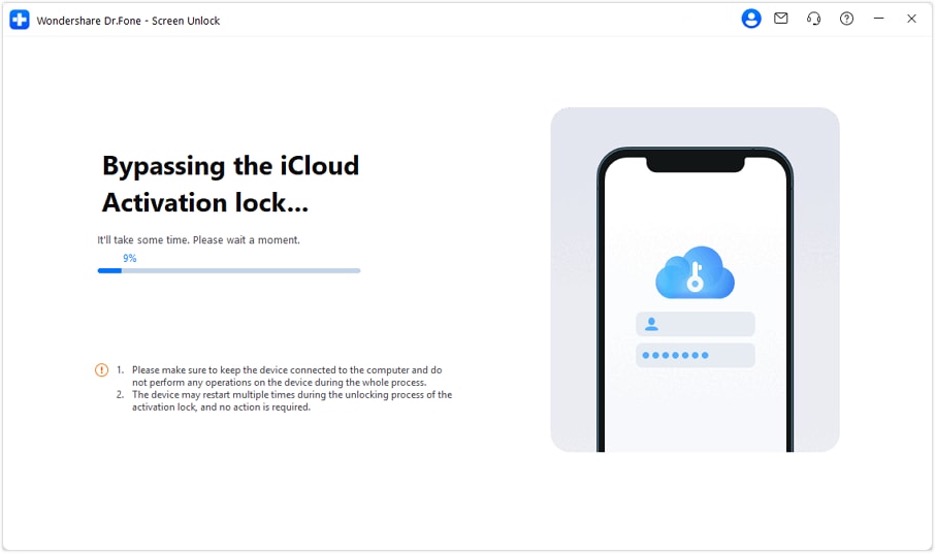
Step 1: Install Wondershare Dr.Fone. Navigate to Toolbox > Screen Unlock > iOS > iCloud Activation Lock Removal.
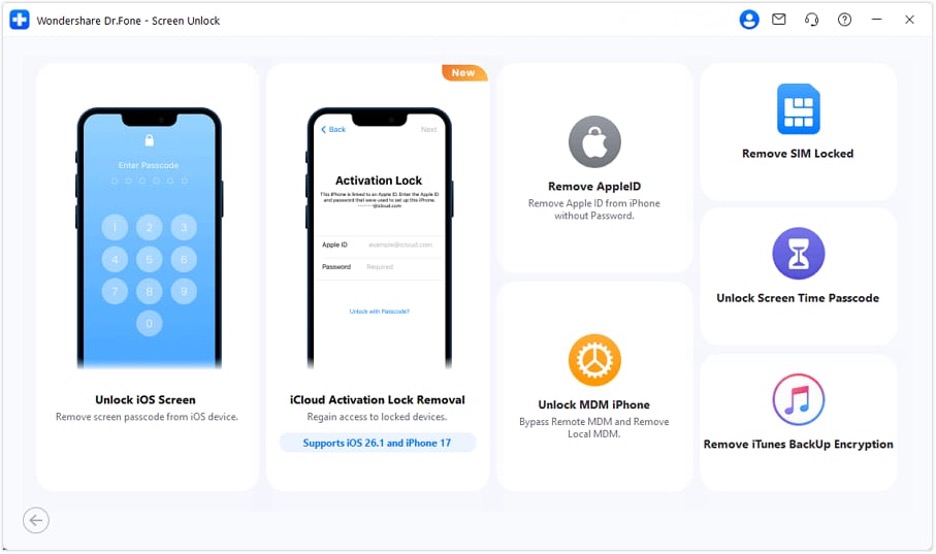
Step 2: Press the Start button to start the unlocking.
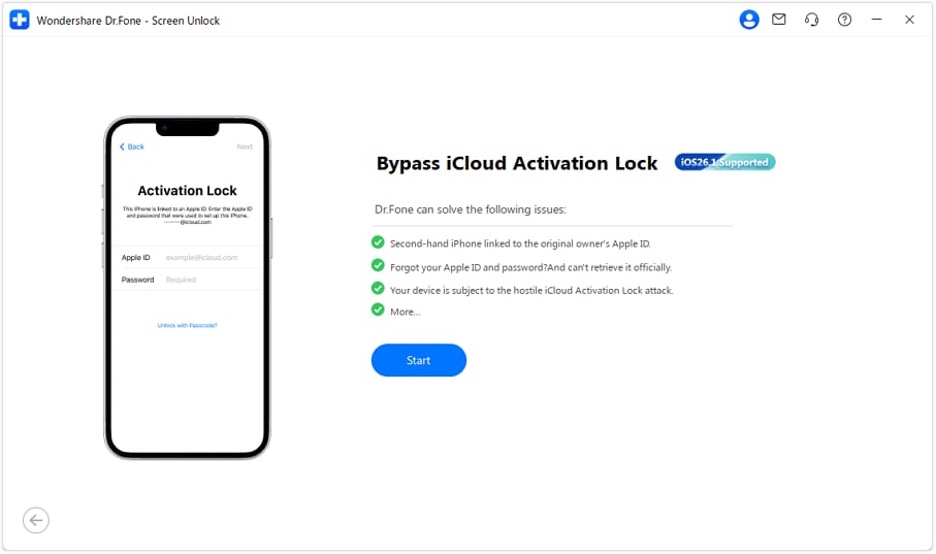
Step 3: Accept the terms and conditions and afterward press the Unlock Now button.
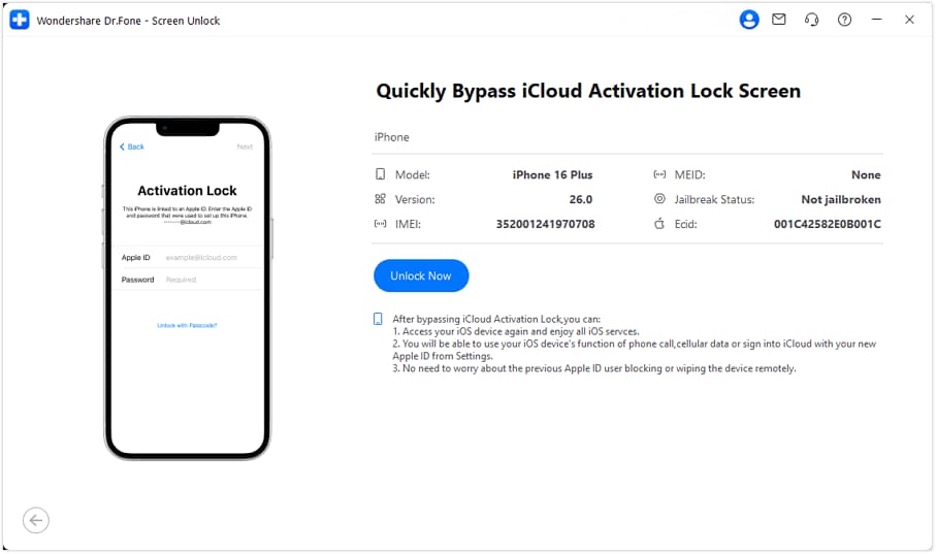
Step 4: Stay connected until you get the success message informing you that the Activation Lock has been removed.
Practical Checklist Before Doing an iCloud Bypass
- Have solid ownership proof ready, like a legit purchase receipt or a transfer sheet.
- Ensure that Apple’s official support or account recovery strategies have been tried.
- Check via IMEI that the phone is not stolen or blacklisted
- Only opt for third-party tools coming from trustworthy developers who openly provide documentation
- Realize that bypassing methods may restrict some device features, especially based on the device model and network
Conclusion
iCloud Activation Lock is a robust security measure put in place by Apple to protect its devices. And the legality of bypassing it depends solely on whether the person performing it is the rightful owner and their intention. If one is the genuine owner, the first choice is always to follow Apple’s official recovery method, which, in most situations, is the safest and most reliable way to restore access.
Those users who are looking at third-party options may find that tools such as Wondershare Dr.Fone, Screen Unlock (iOS) is a great help. Besides step-by-step unlocking guidance, it also supports a wide range of iOS versions and device types and provides several recovery methods for different lock scenarios.

